

Process
How It Works.
This is the typical workflow for taking a job from creation to completion.
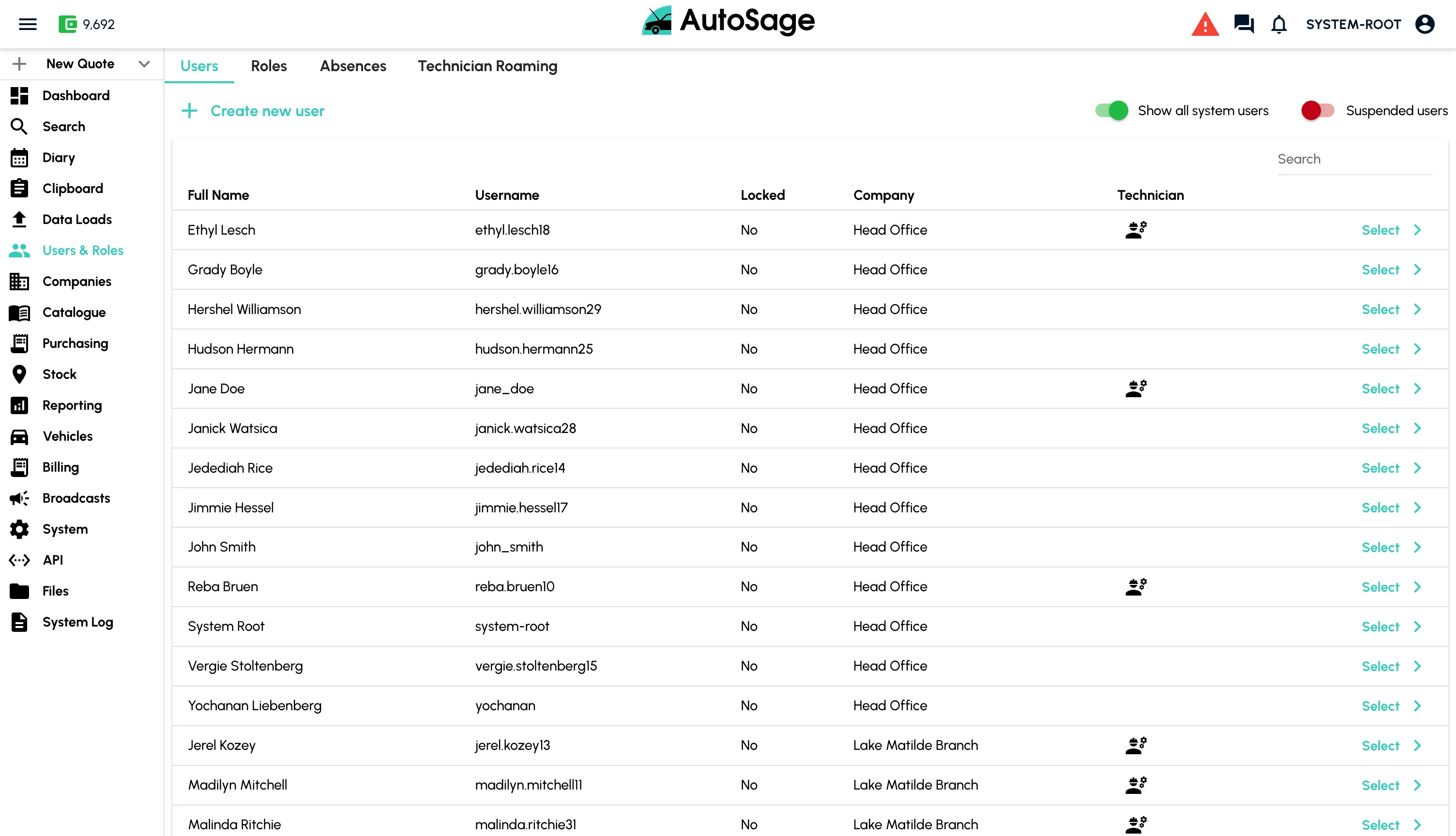
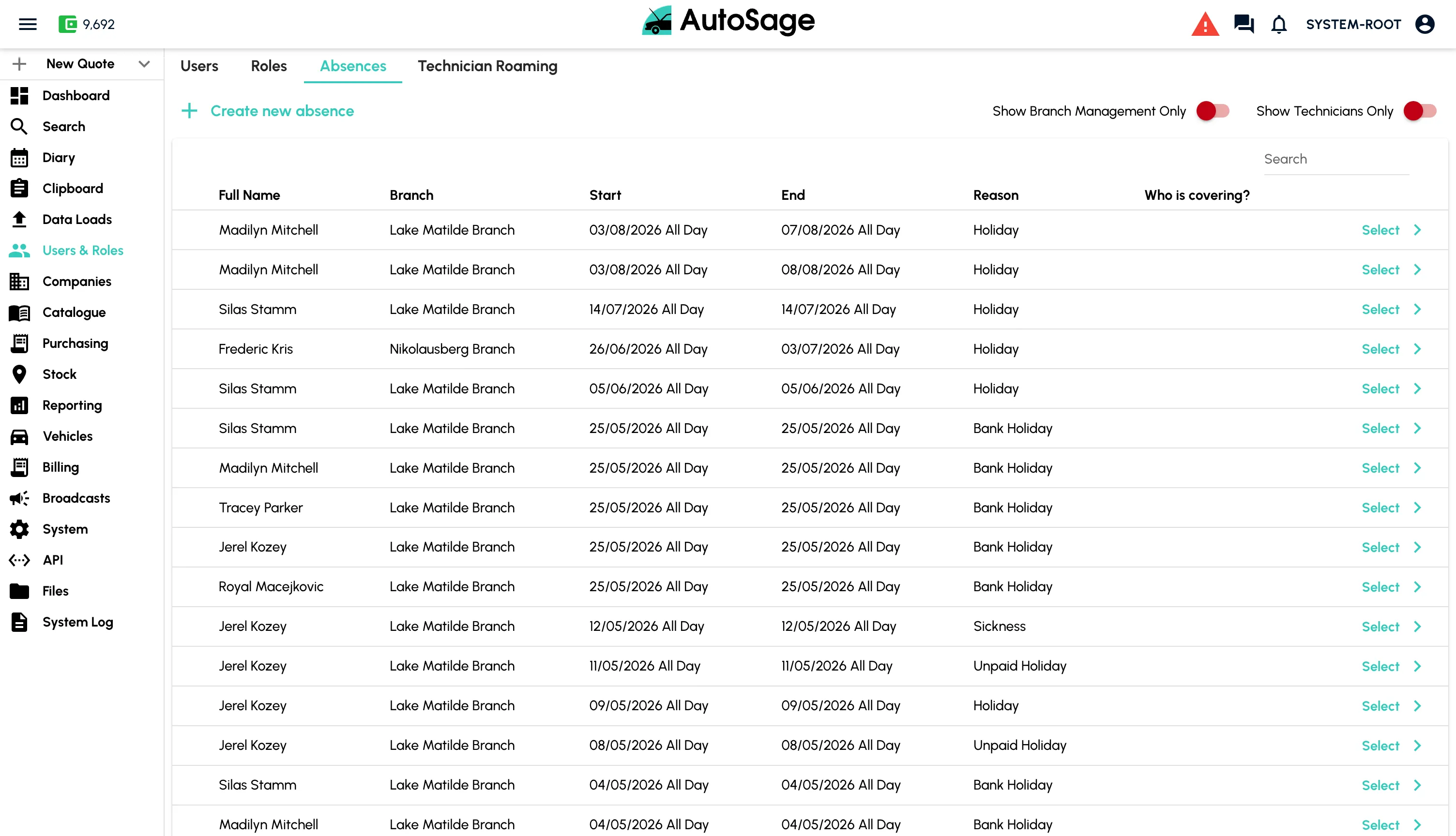
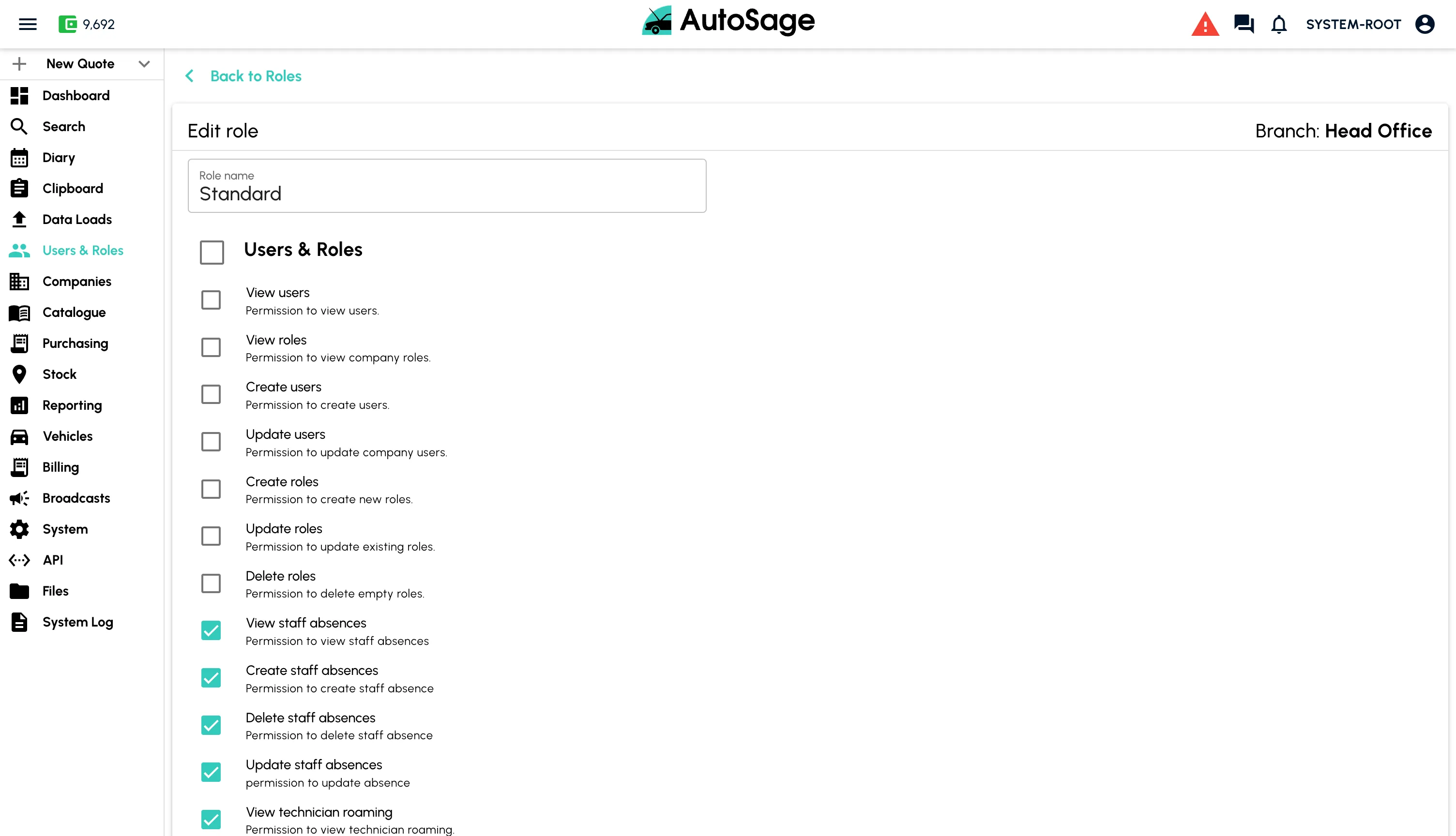
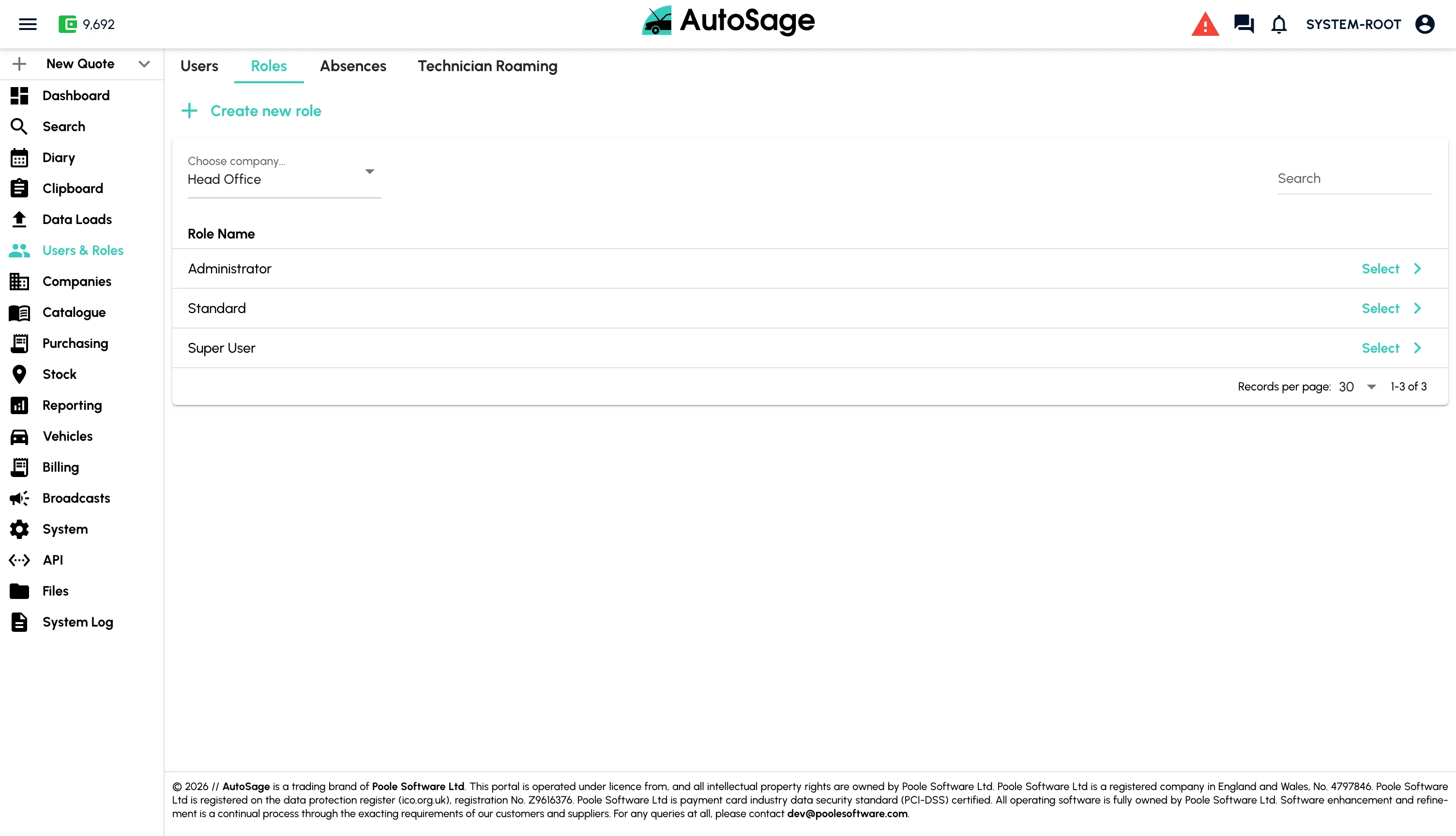
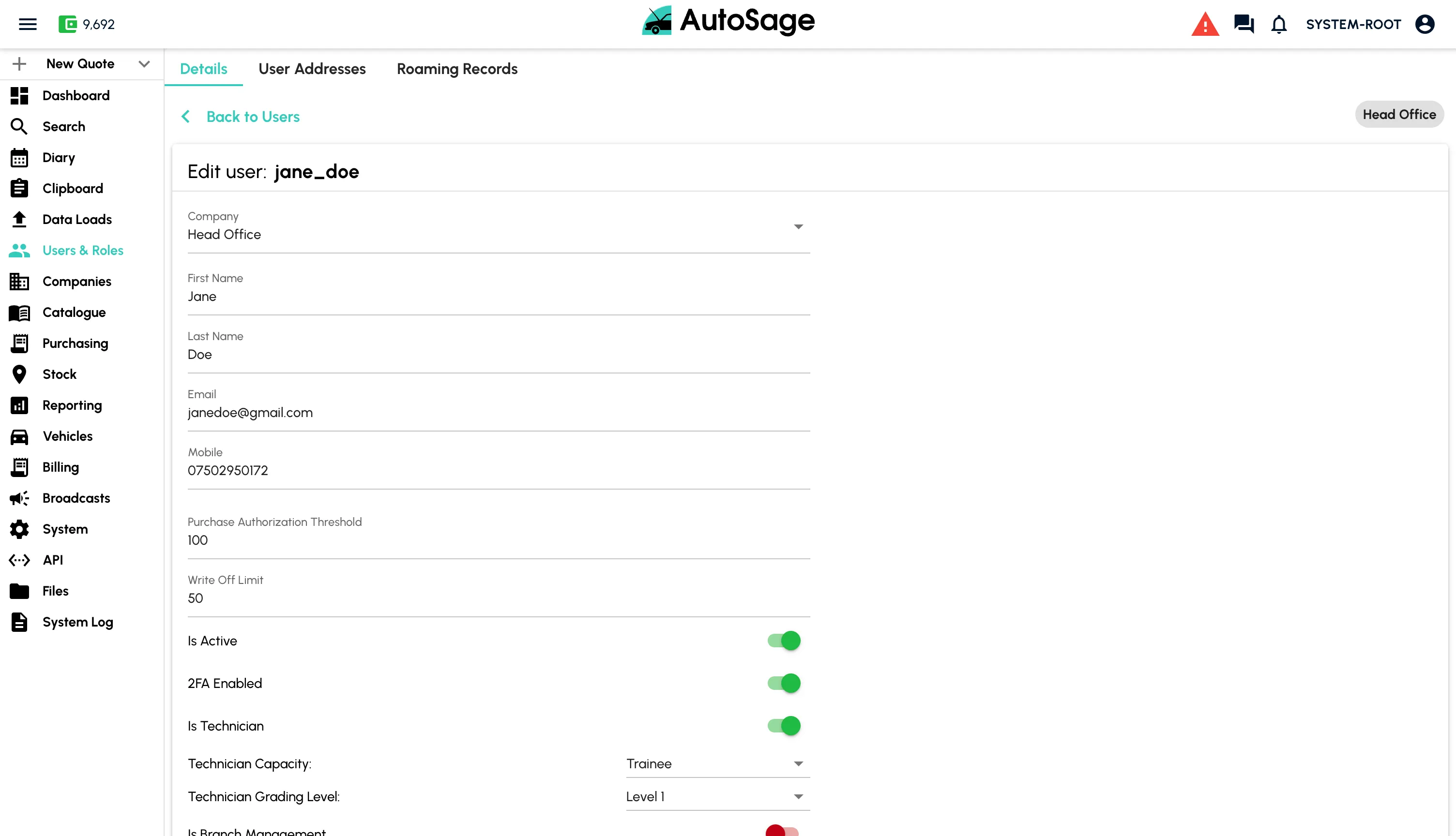
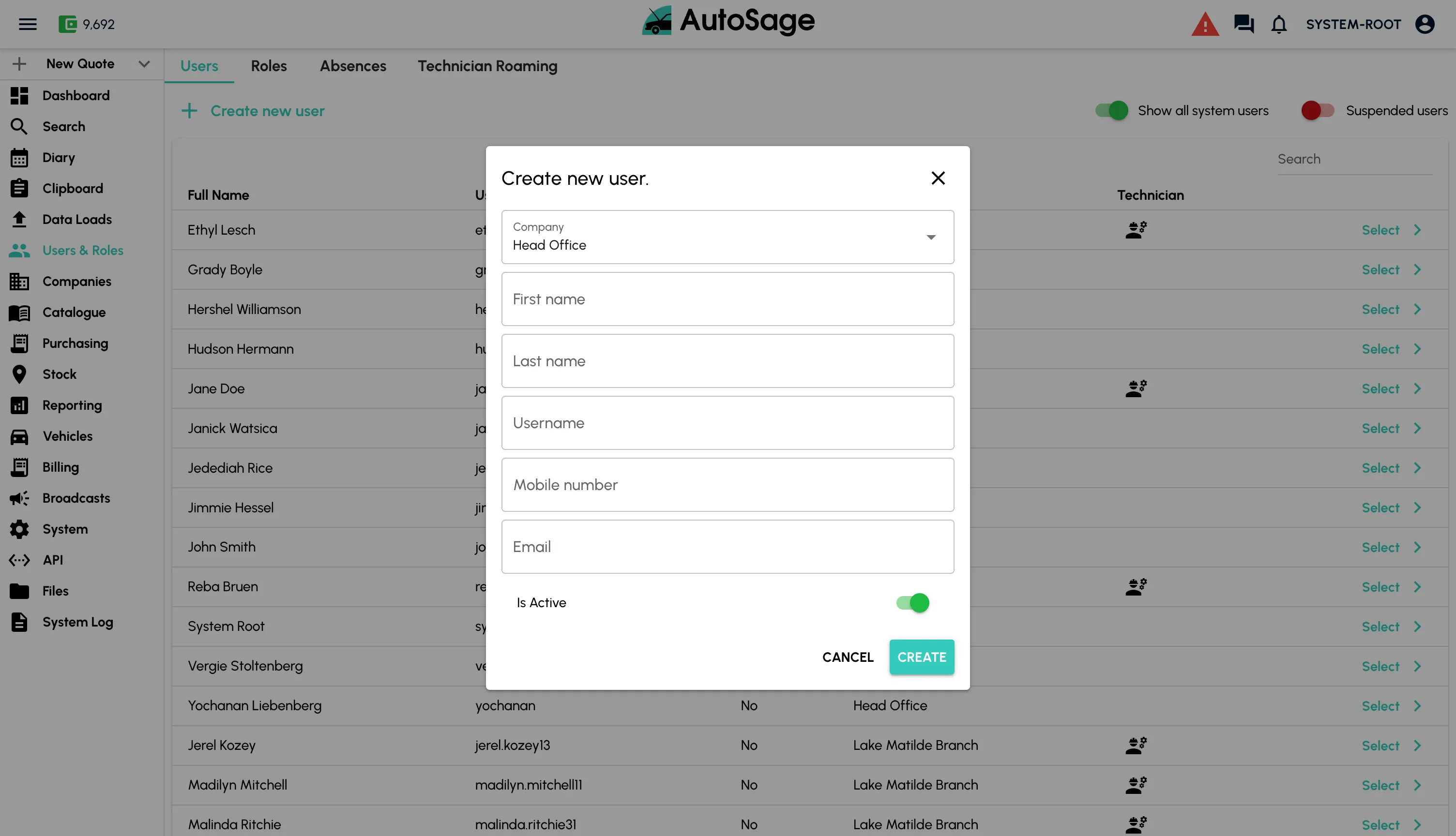
Set Up Users & Technicians
Add your team to AutoSage with the right permissions for the work they do.
- Create accounts for office staff, managers and fitters
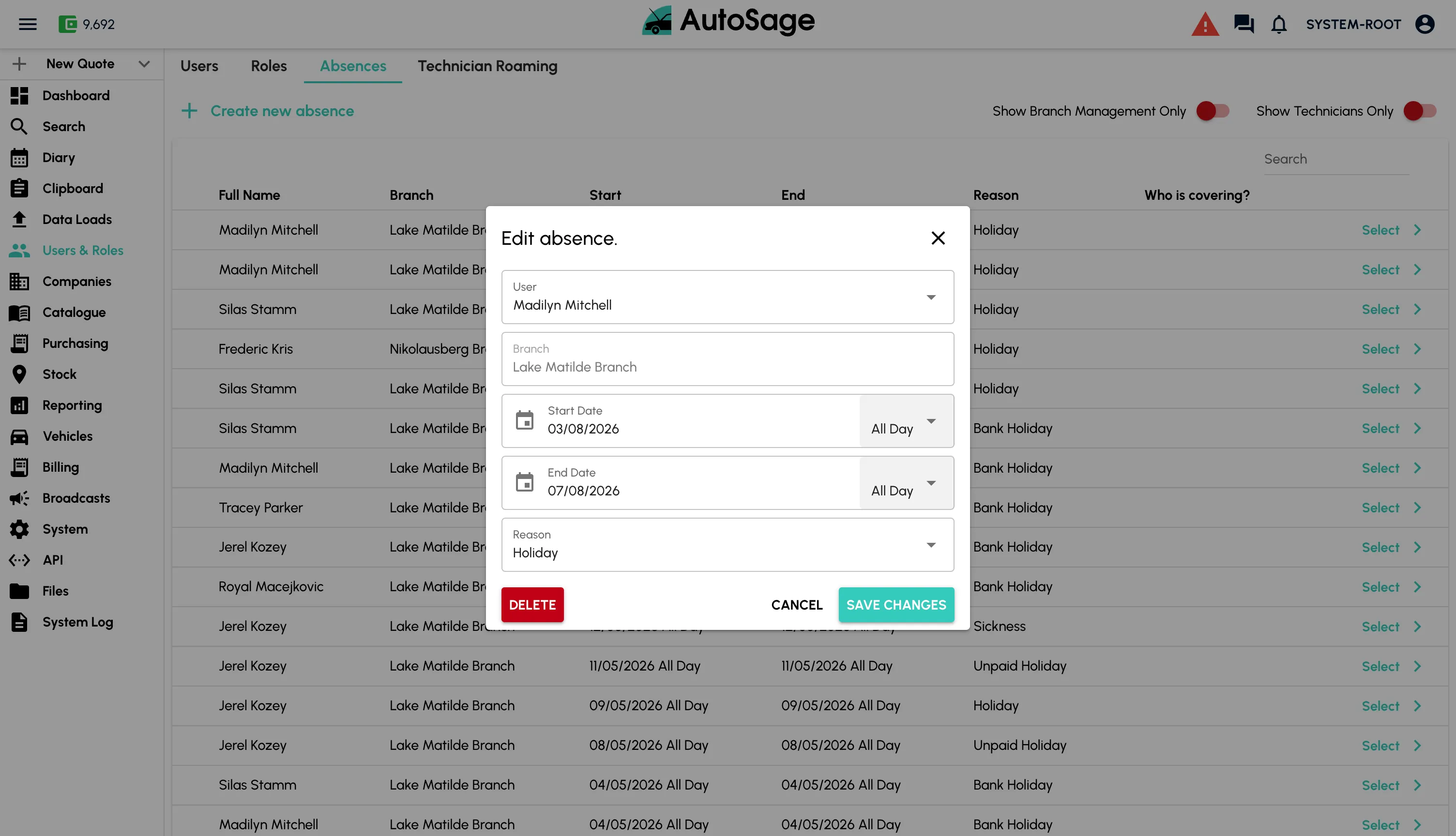
- Role-based permissions for diary, stock, billing and admin
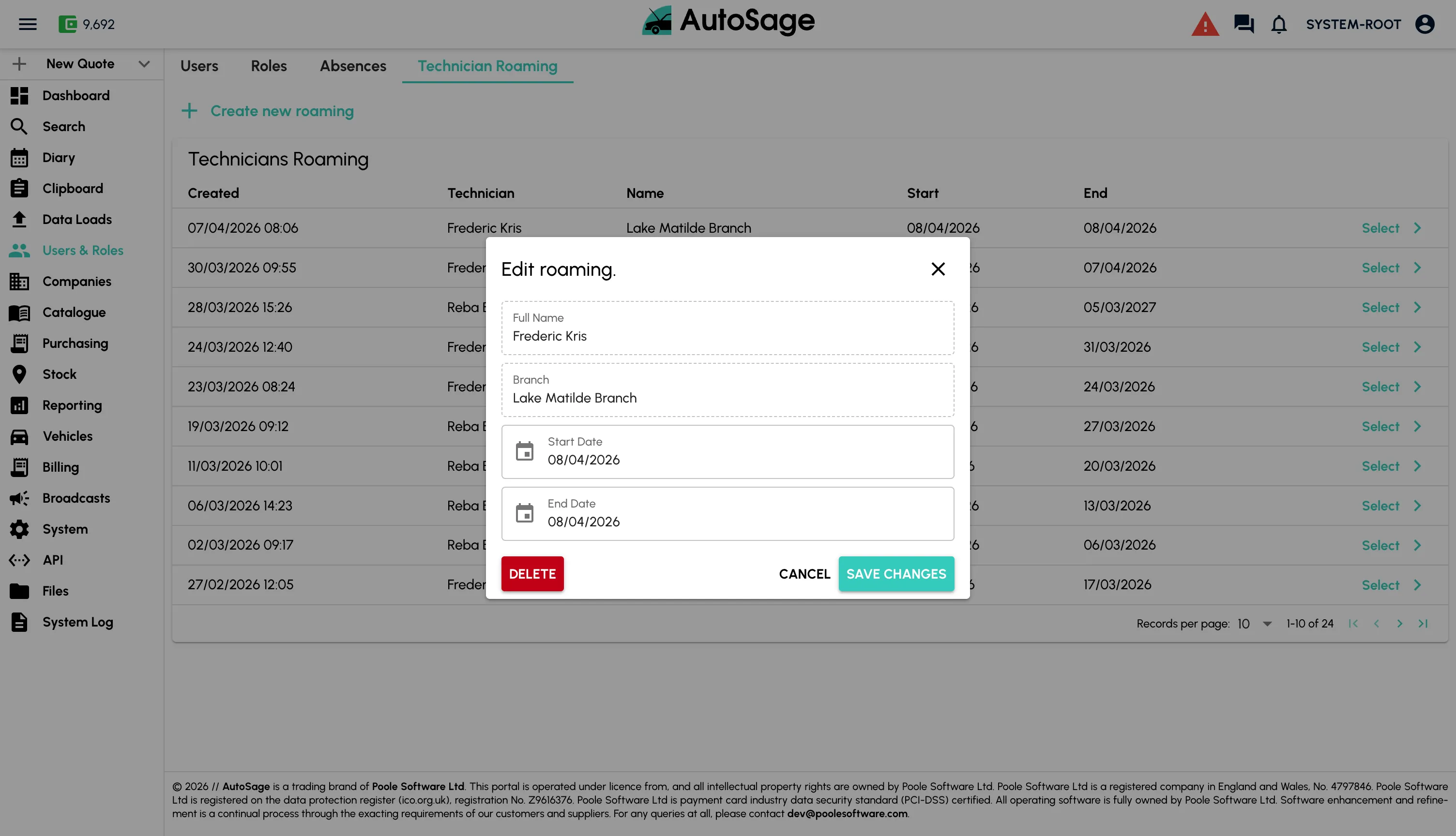
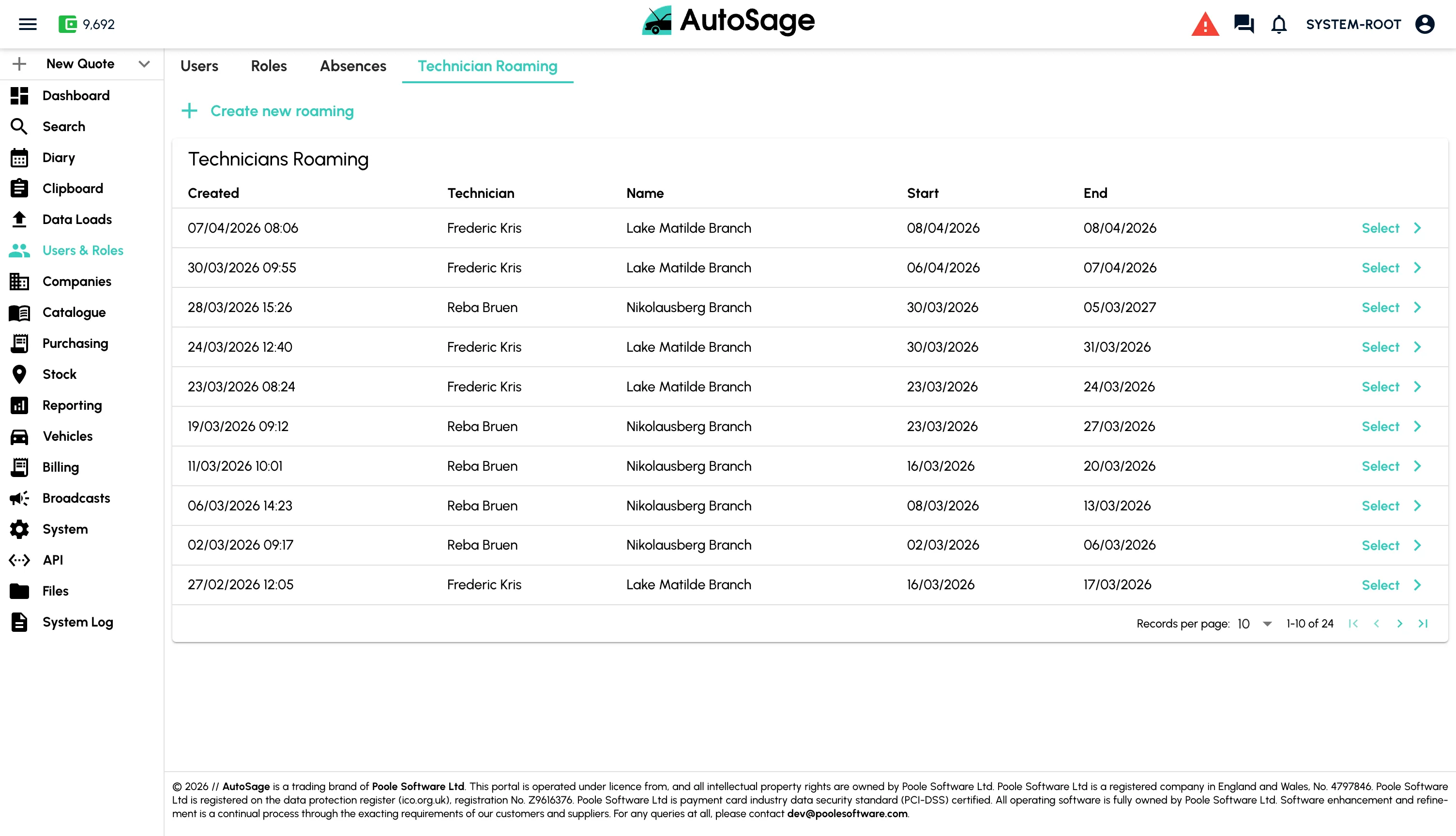
- Assign technicians to branches and bays
- Onboarding works in minutes, no IT team required
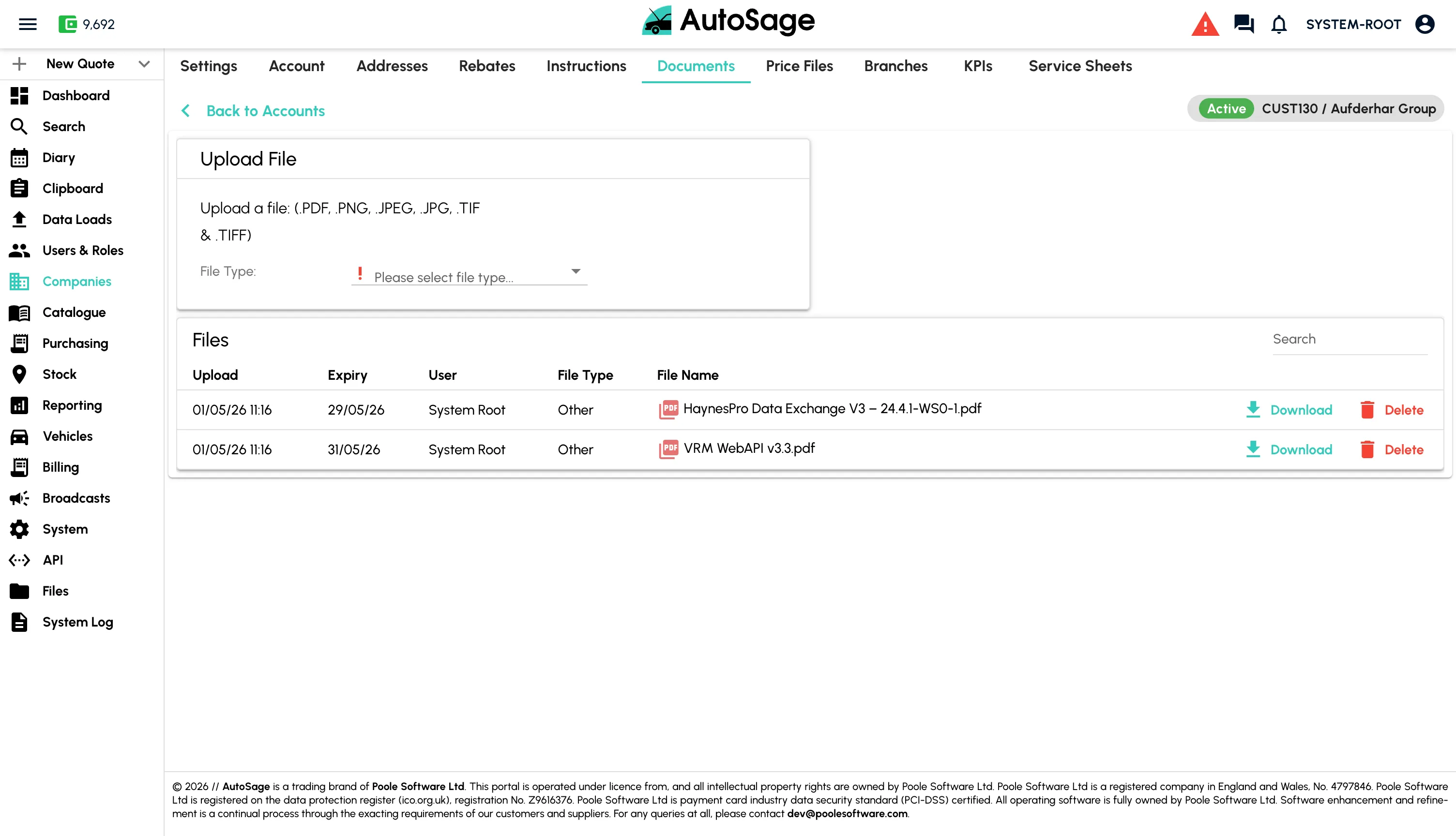
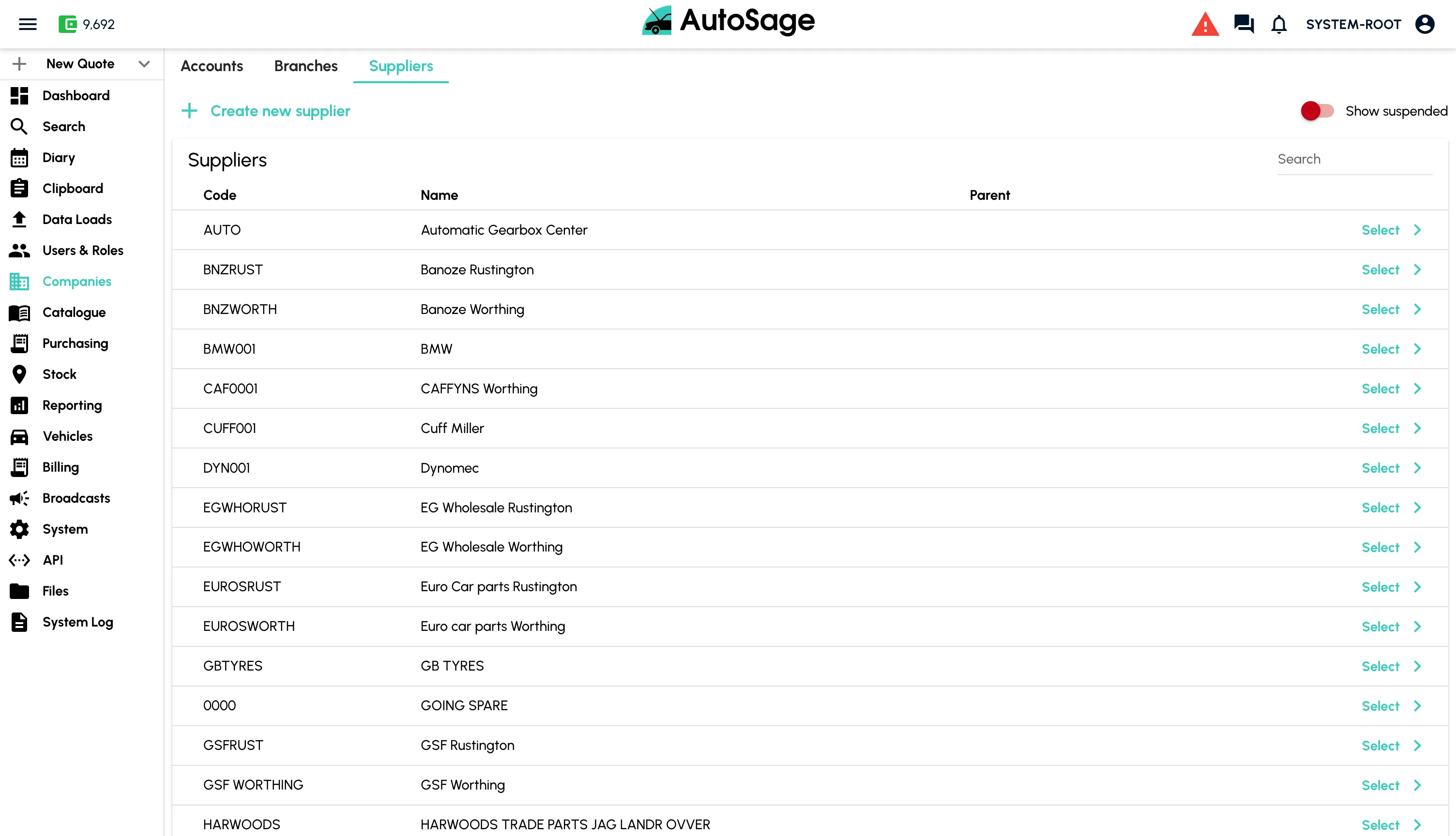
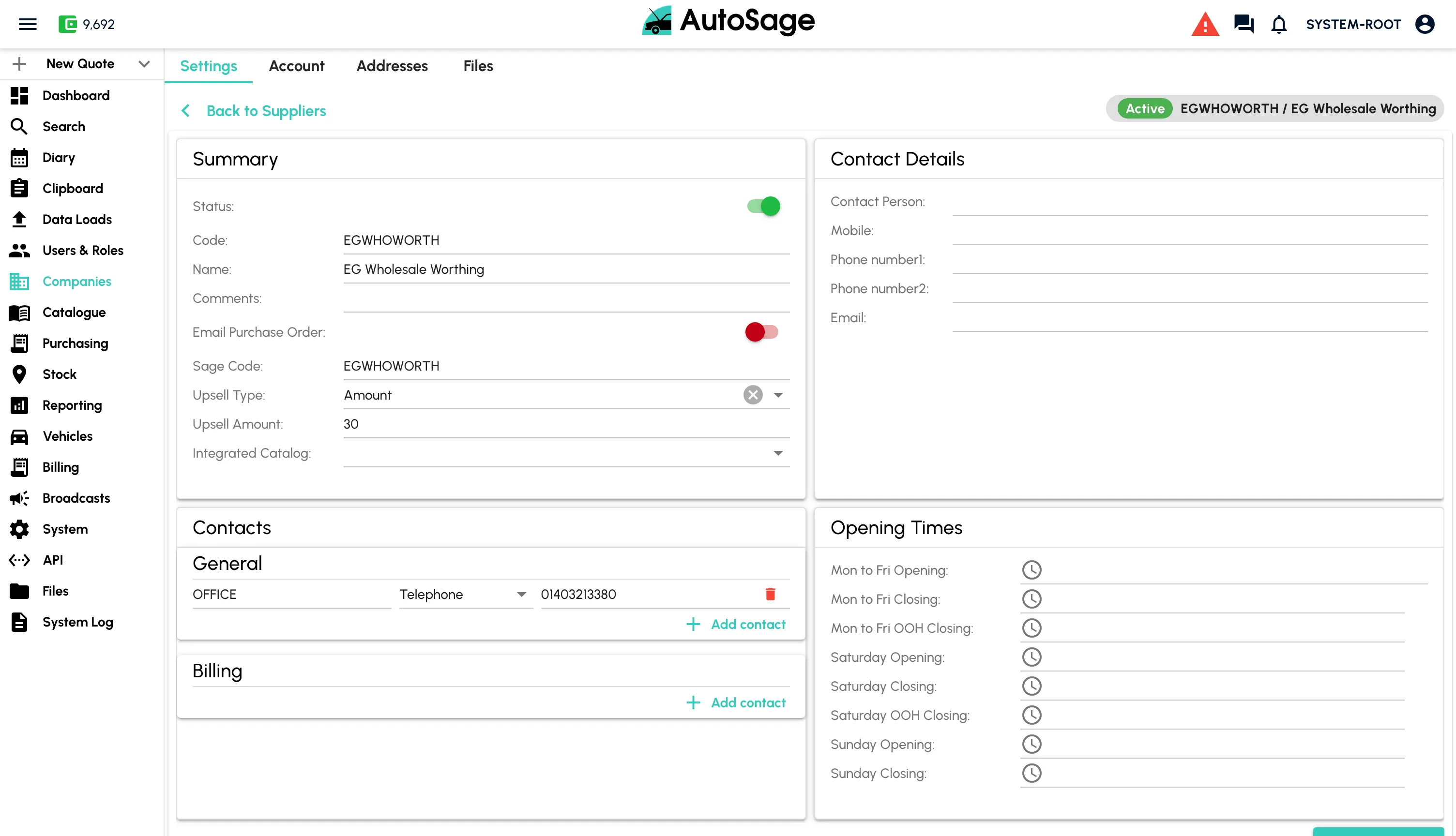
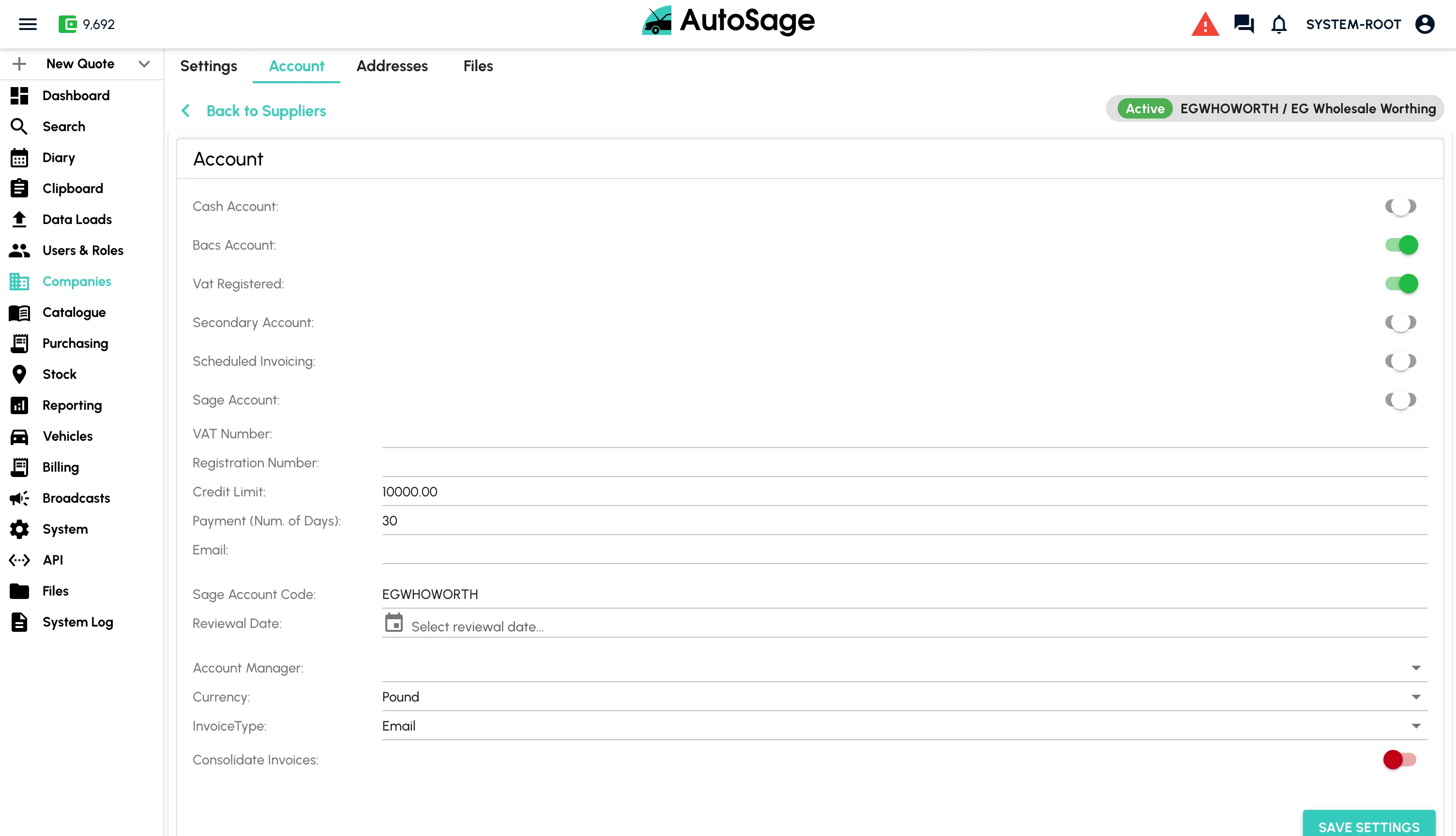
Set Up Customers & Suppliers
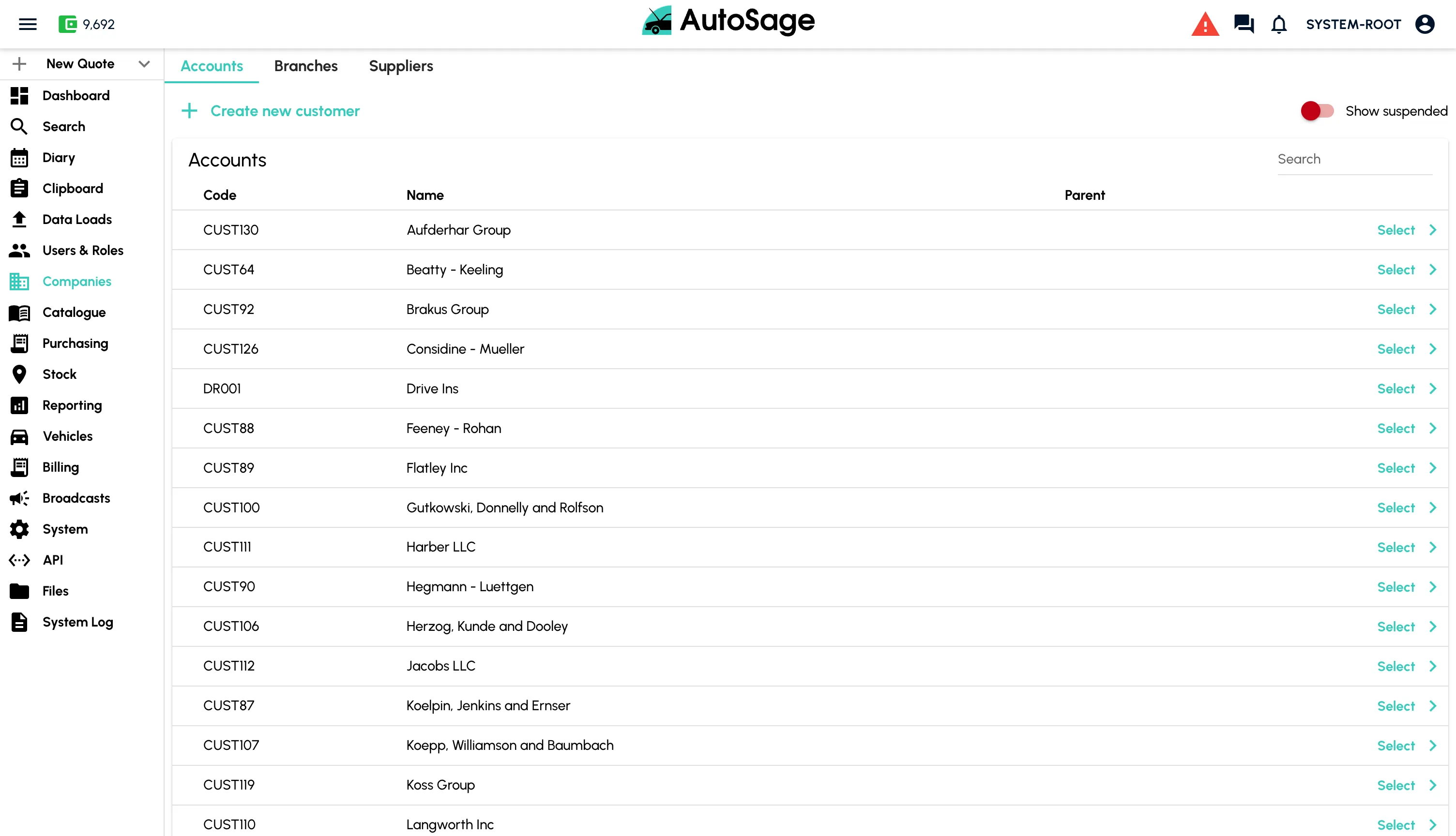
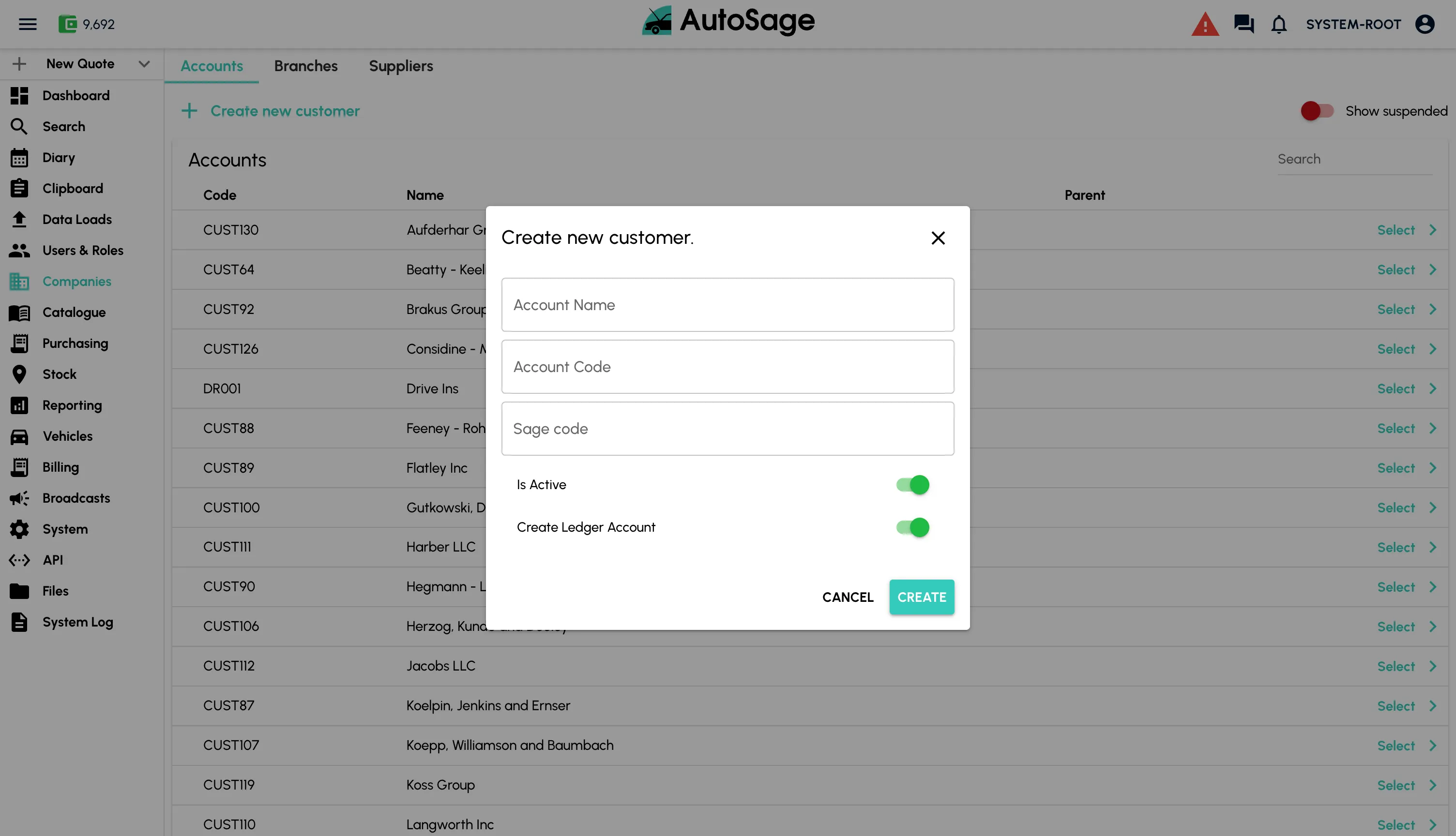
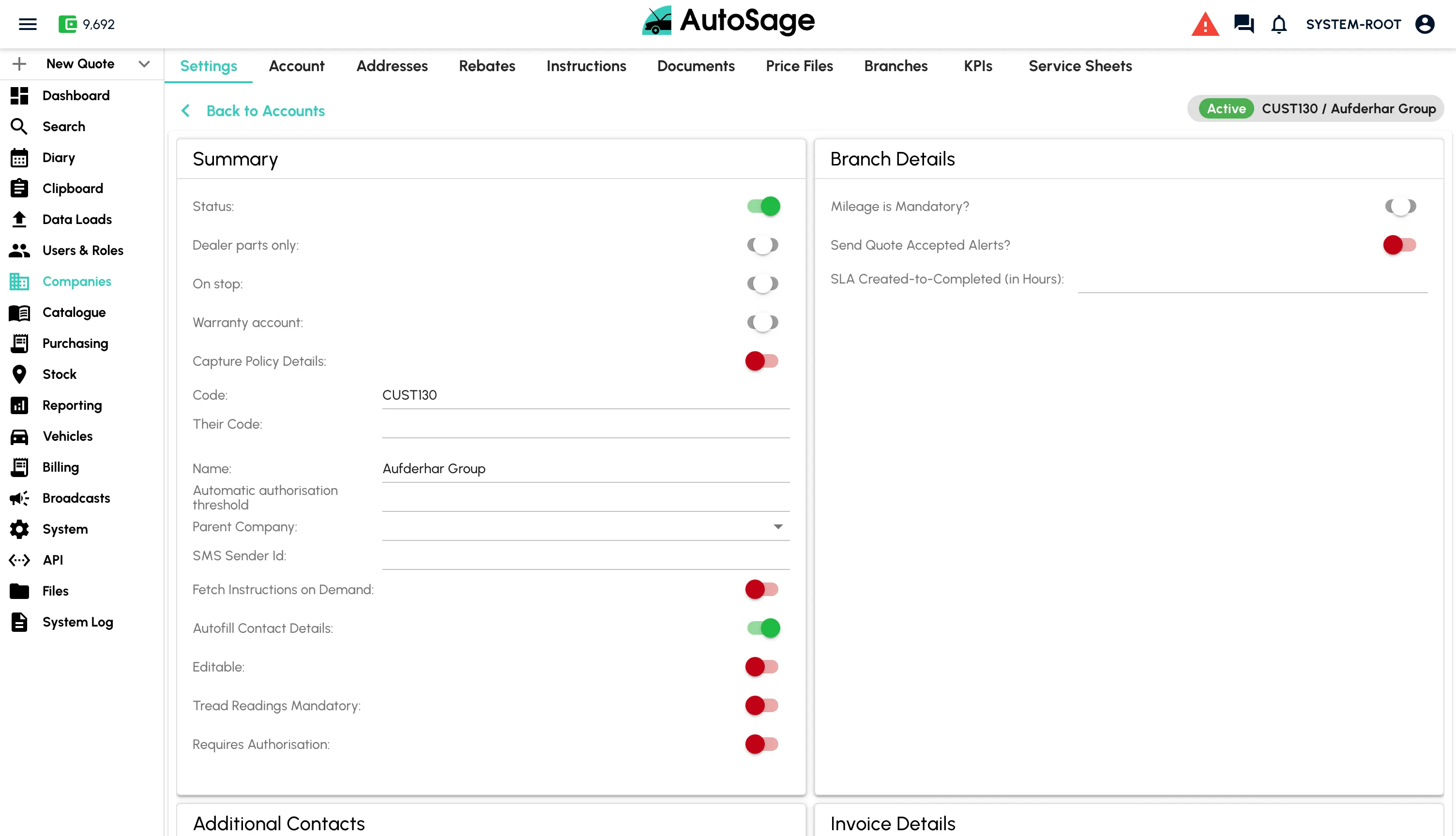
Build out your customer accounts and supplier list ready for daily operations.
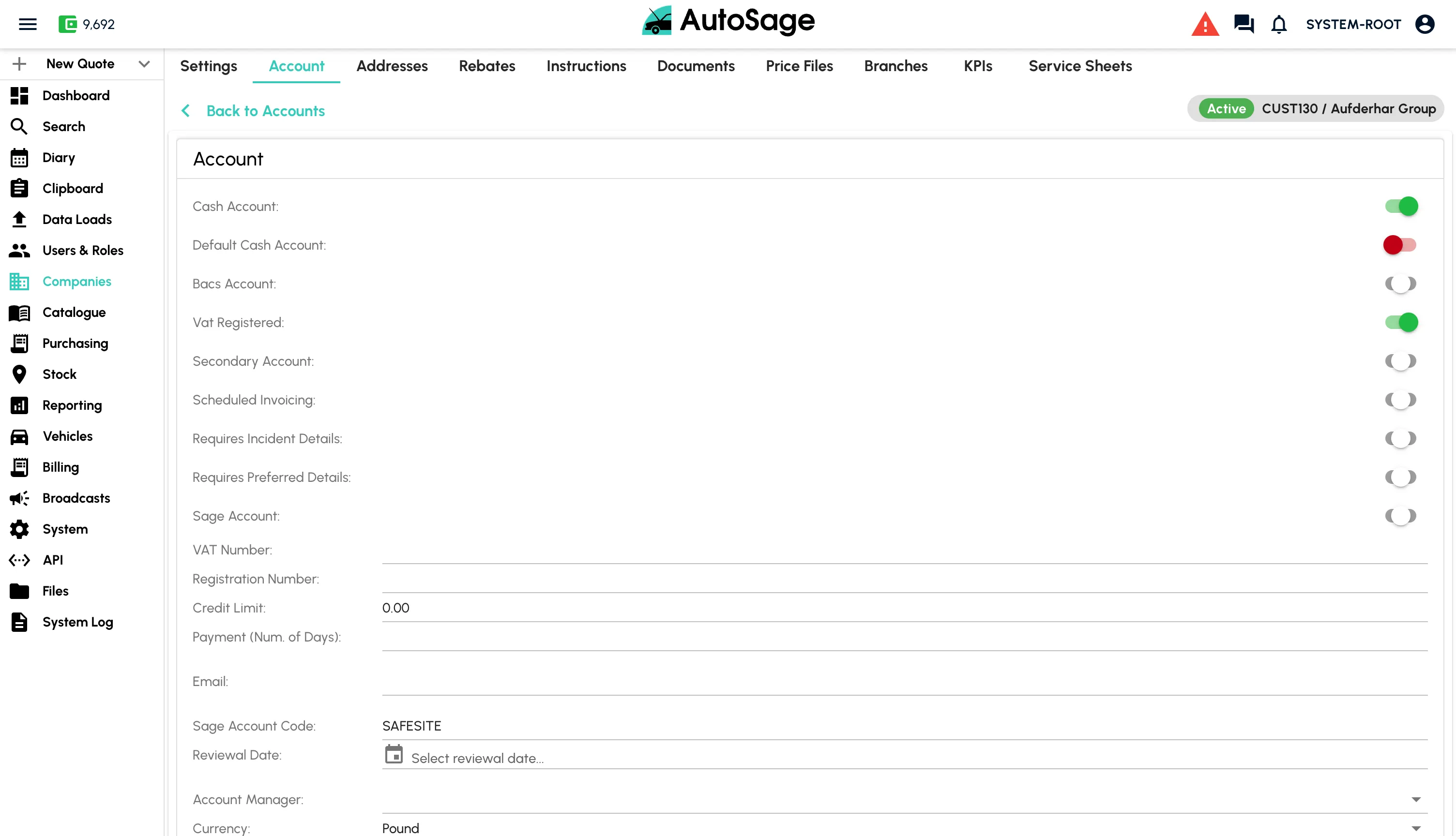
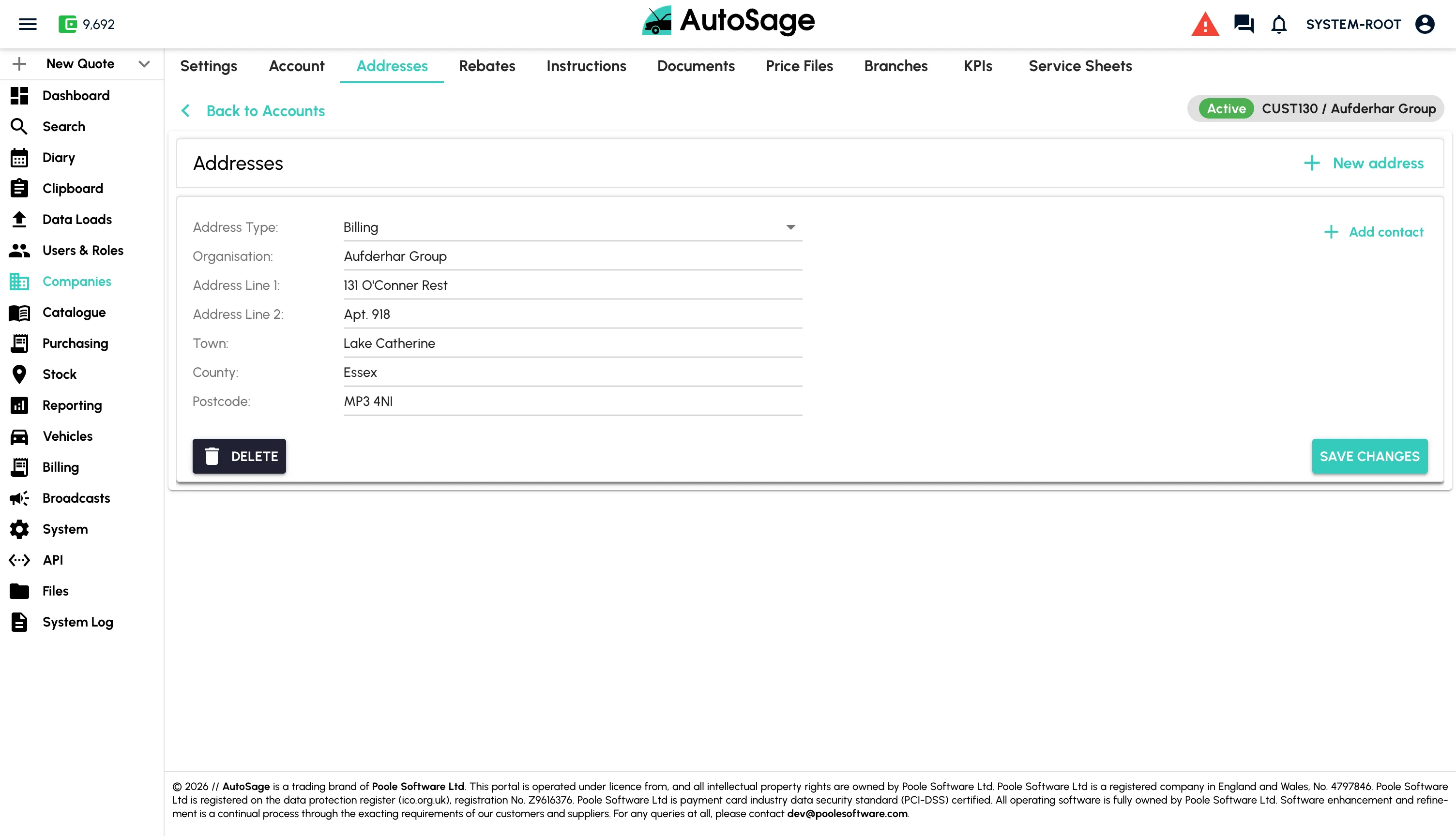
- Customer account creation with vehicles, contacts and addresses
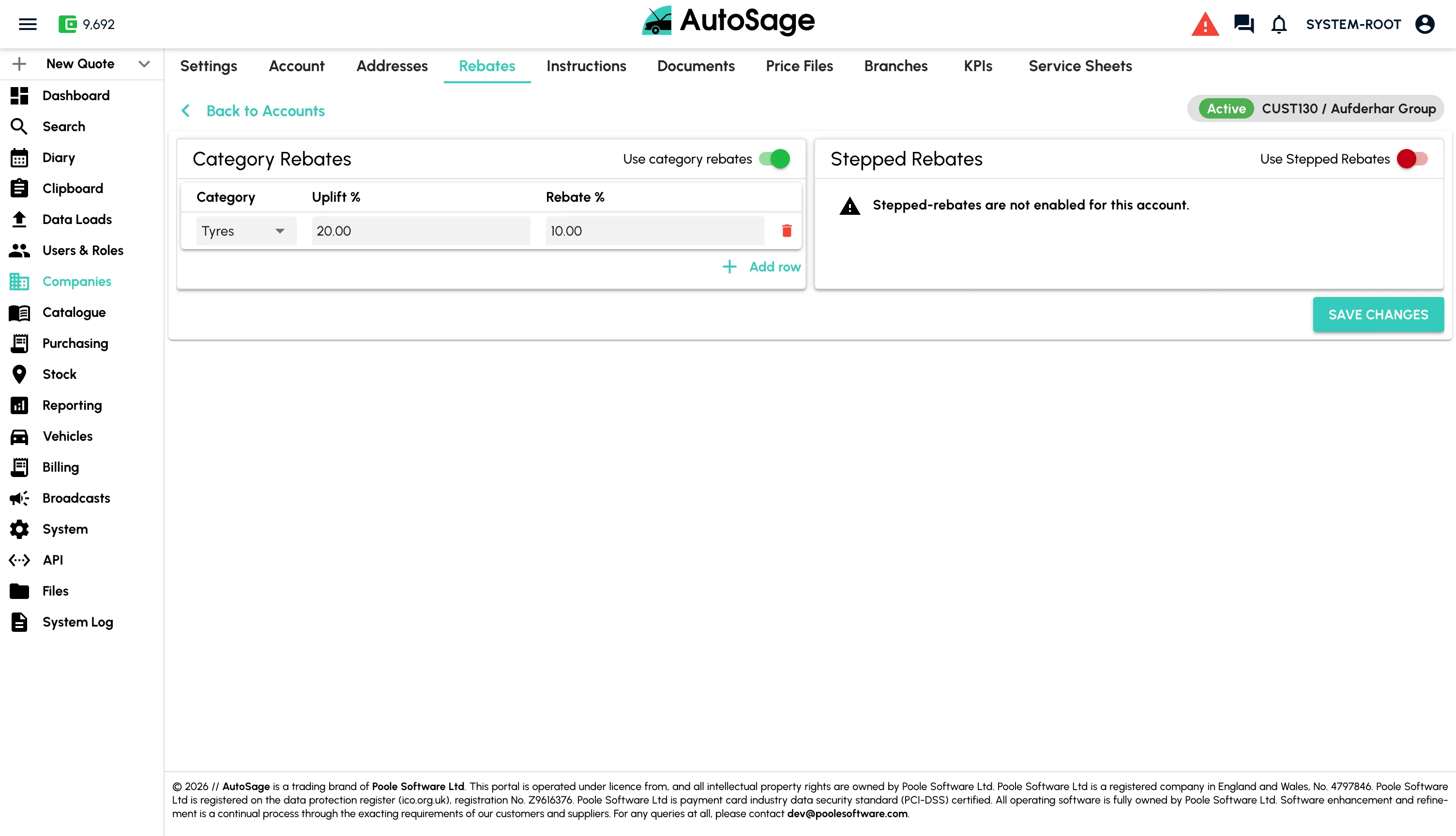
- Account-specific pricing, discounts and credit terms
- Supplier set-up ready to raise purchase orders
- Multi-branch support so each location can transact independently
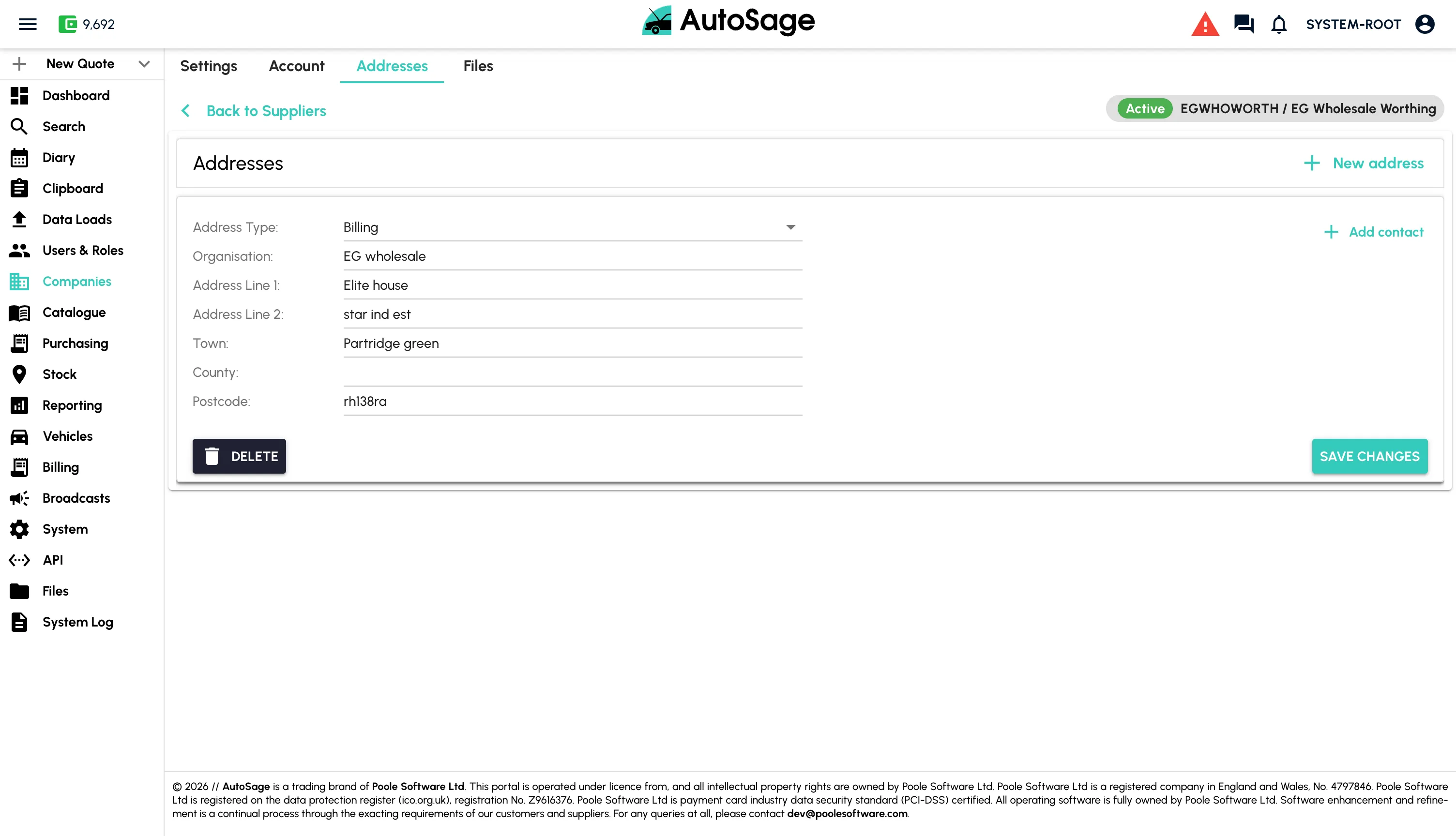
Create a Booking
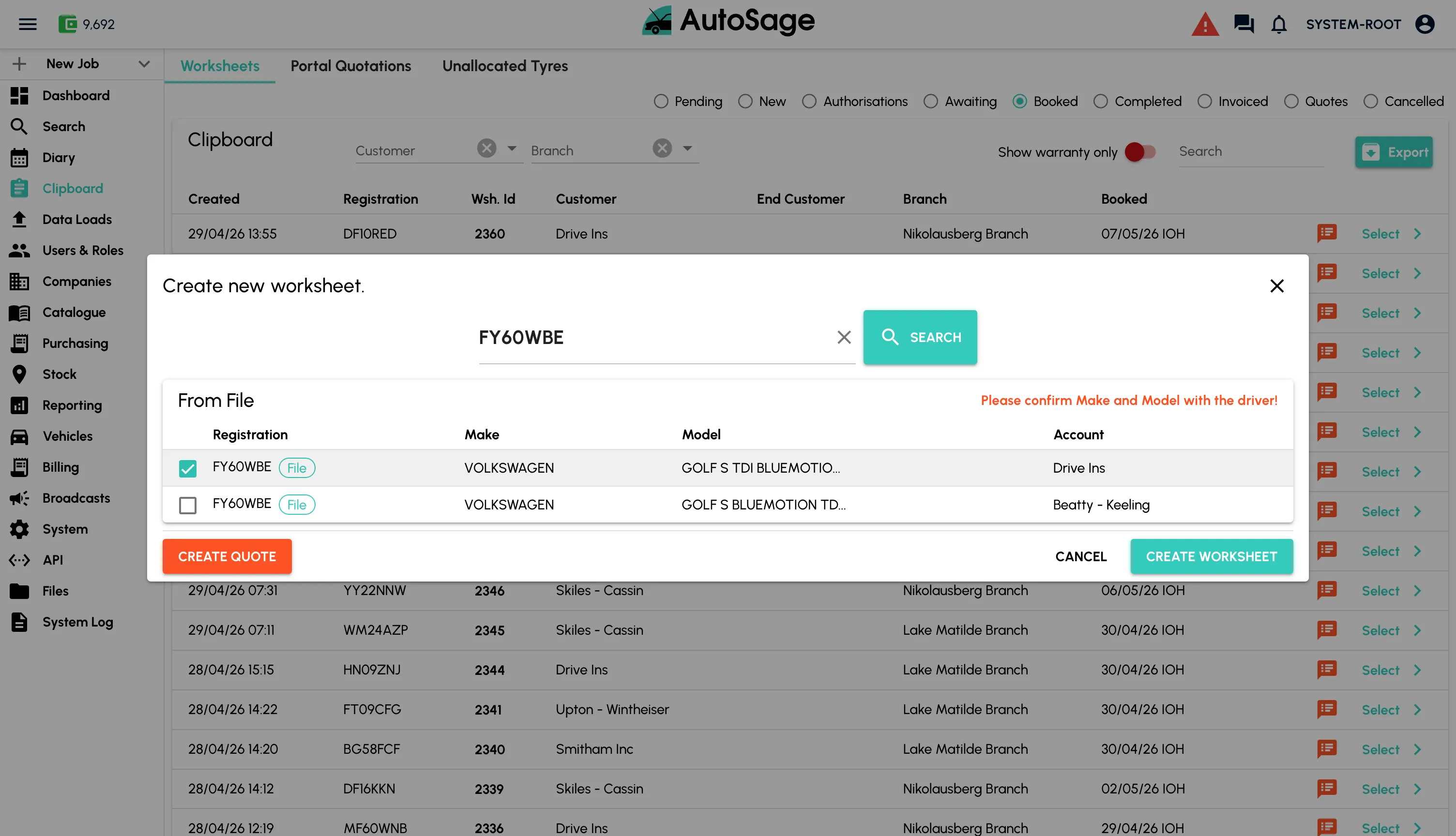
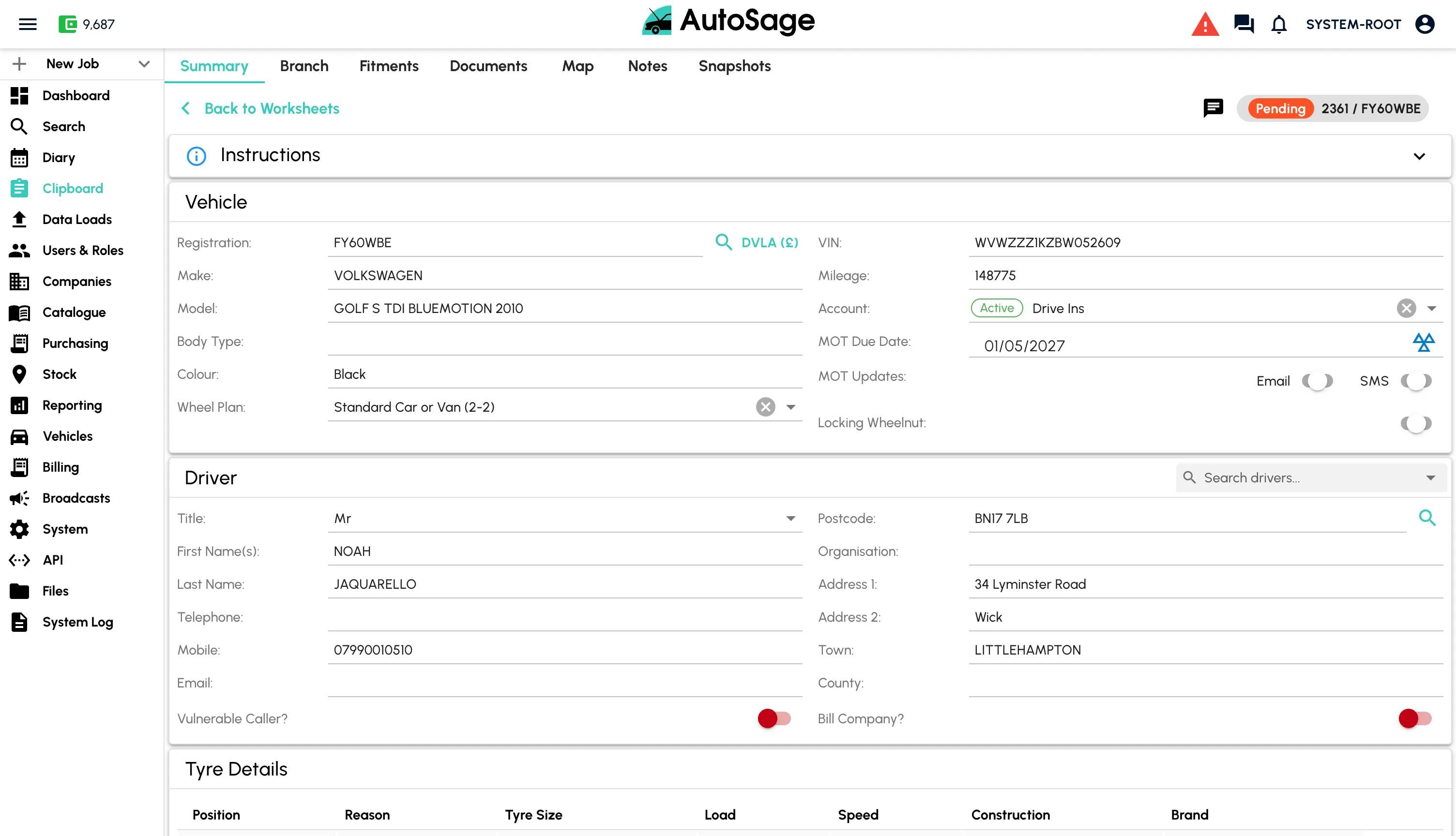
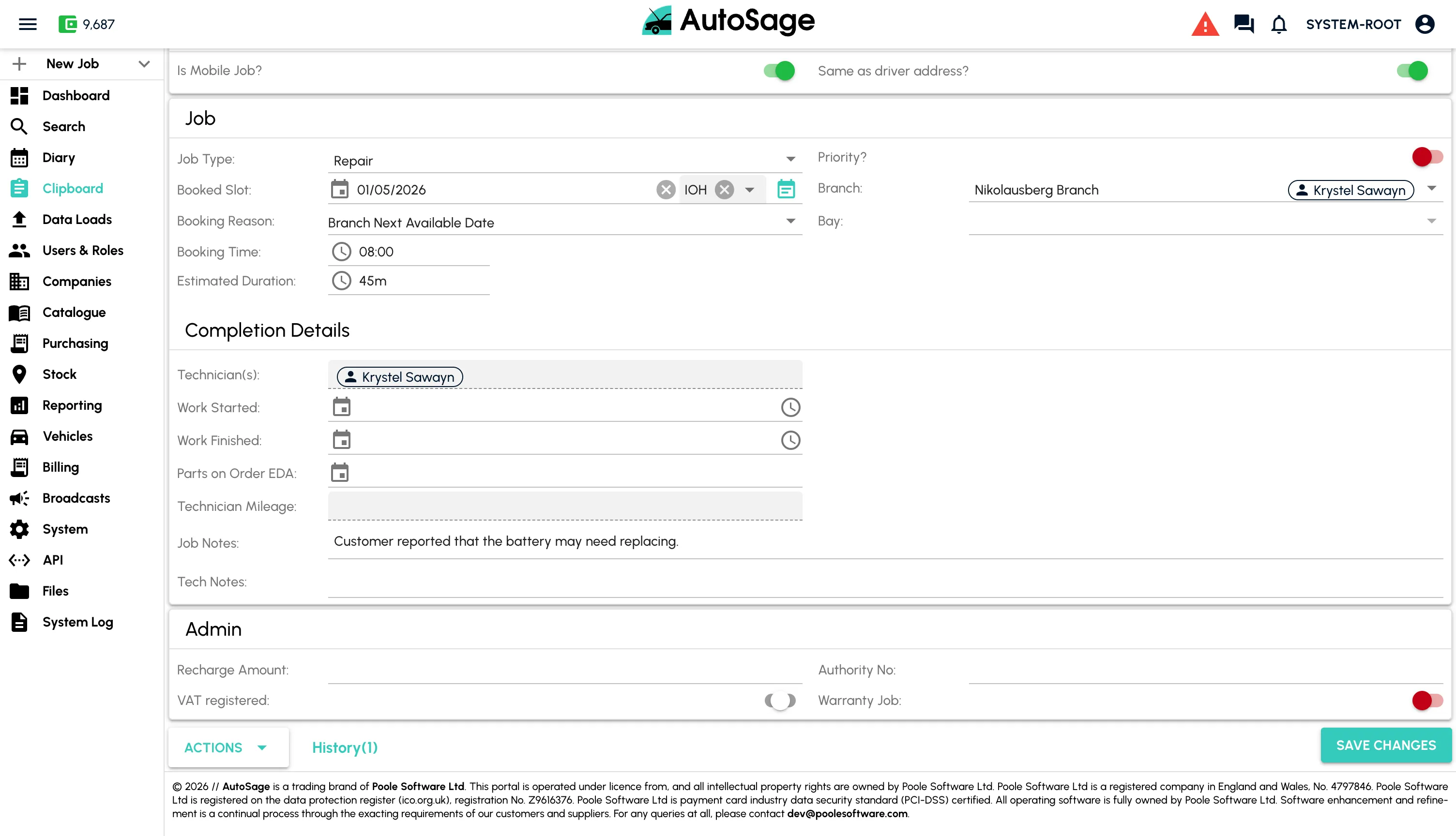
Take a job in seconds. Vehicle, customer and notes captured in one screen.
- Quick lookup by registration with DVLA verification
- Add vehicle, customer and contact details in one flow
- Capture work required, notes and photos up front
- Confirm to the customer via SMS or email
Set Fitments, Order Parts & Cost the Labour
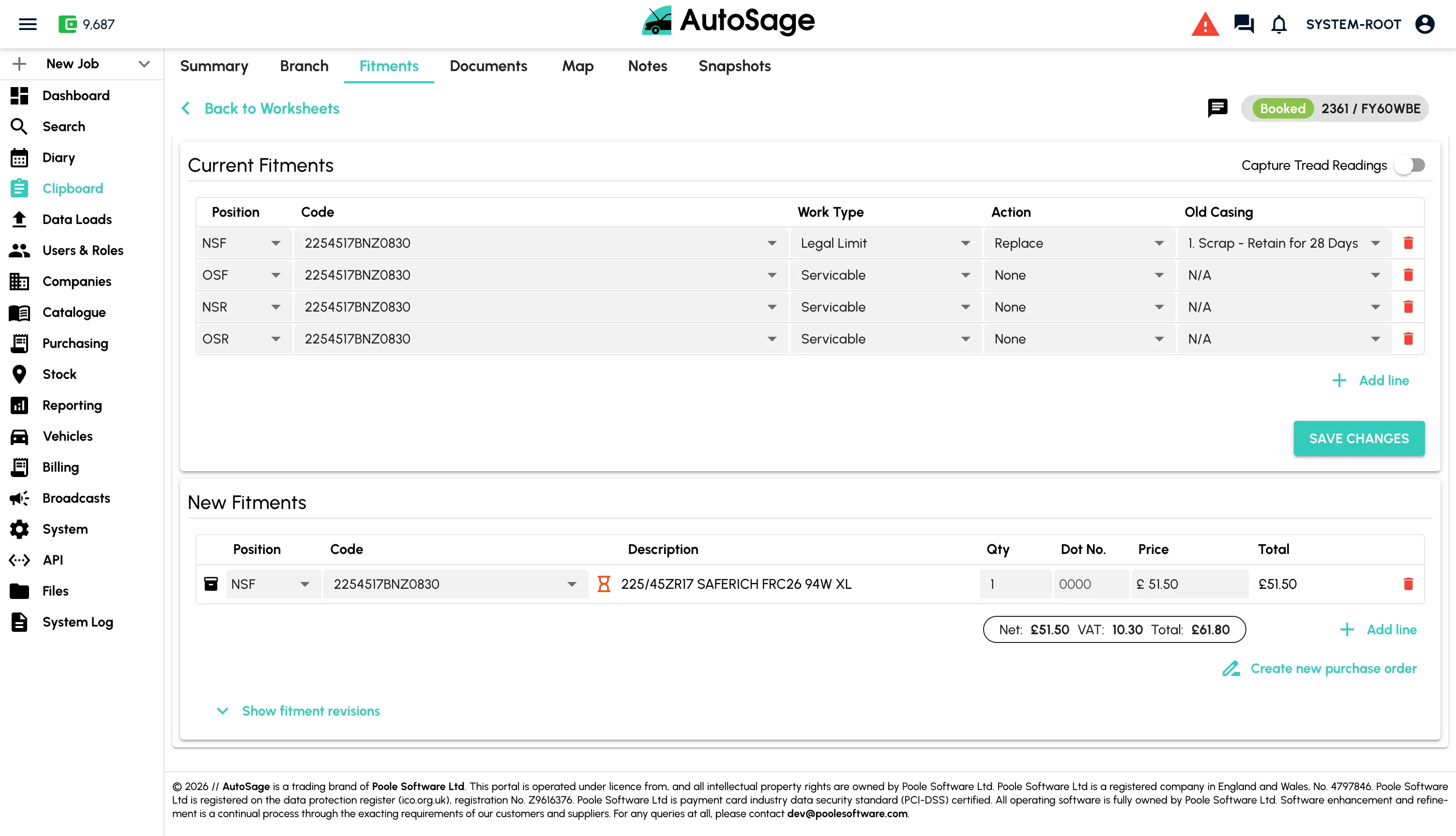
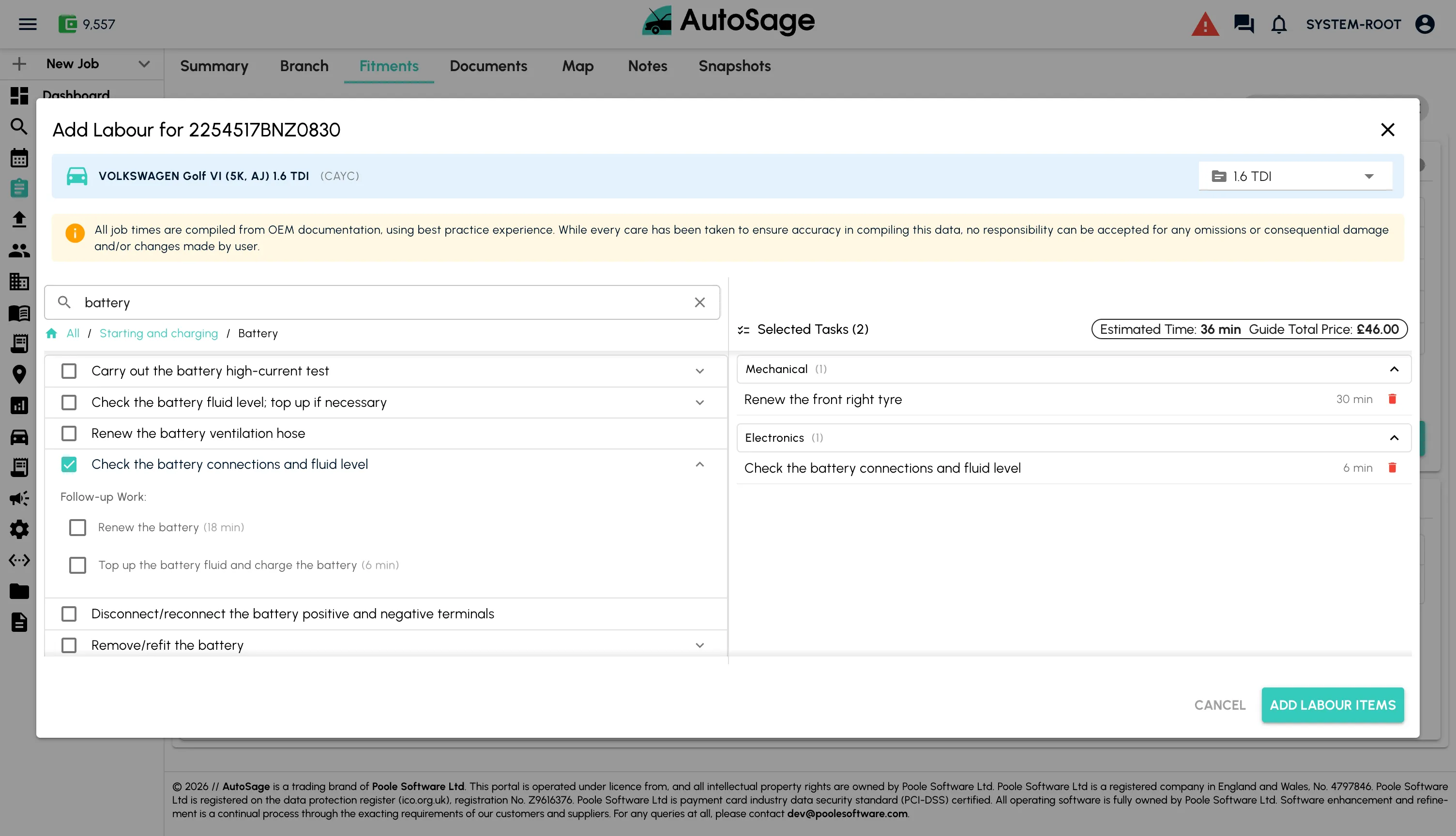
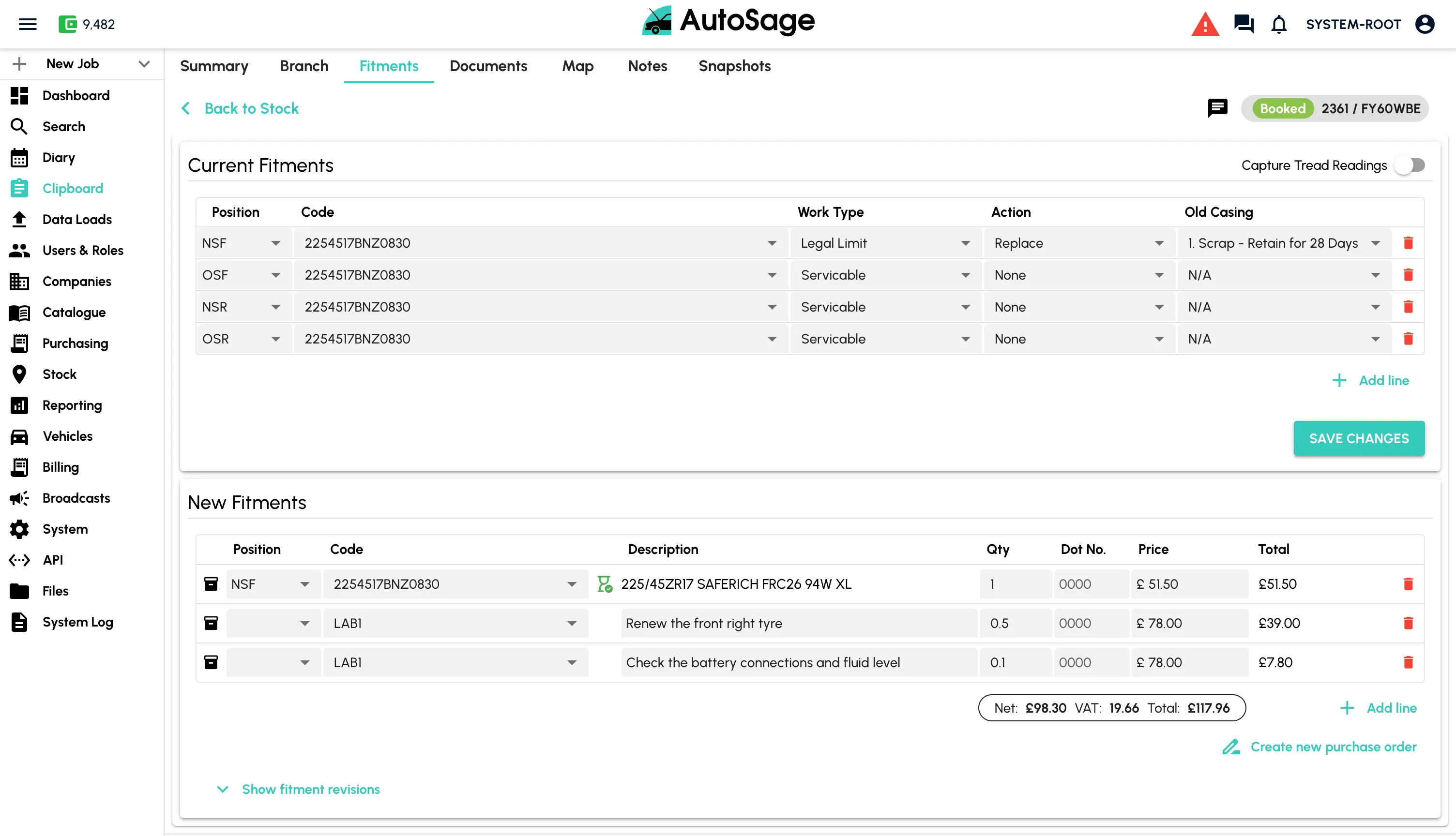
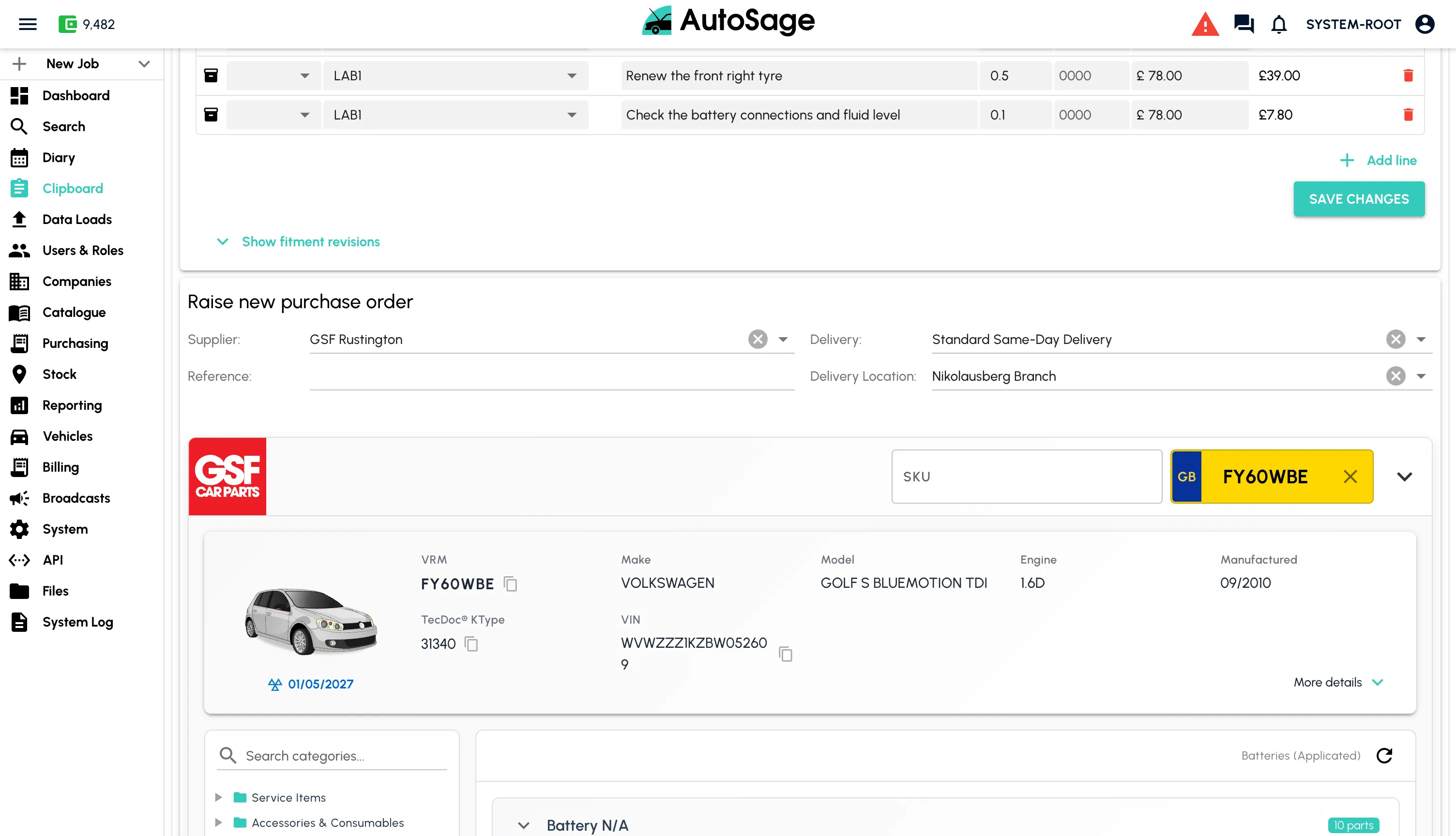
Add the parts and labour needed, raise purchase orders for missing stock, and let  do the heavy lifting on times and costs.
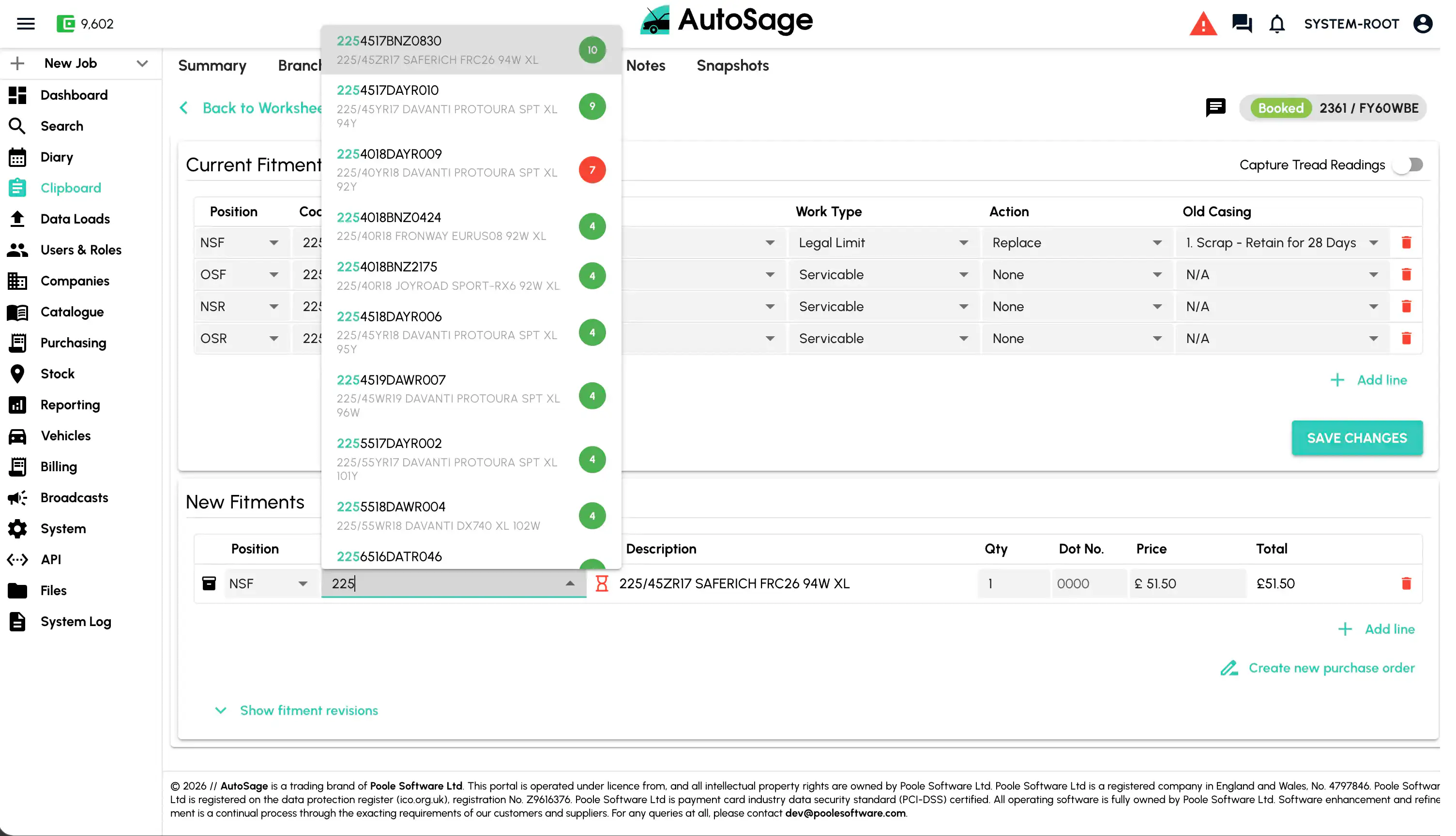
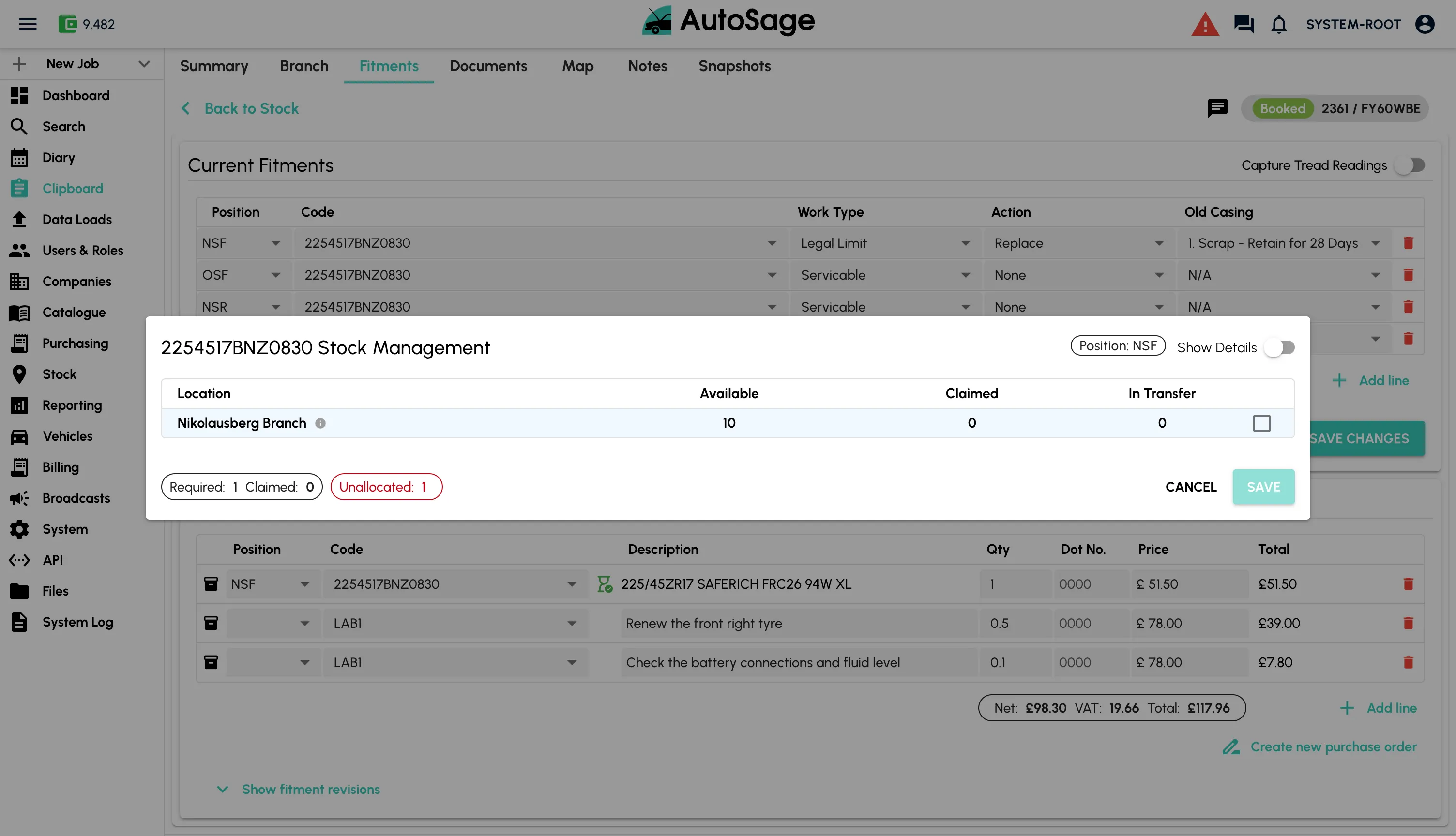
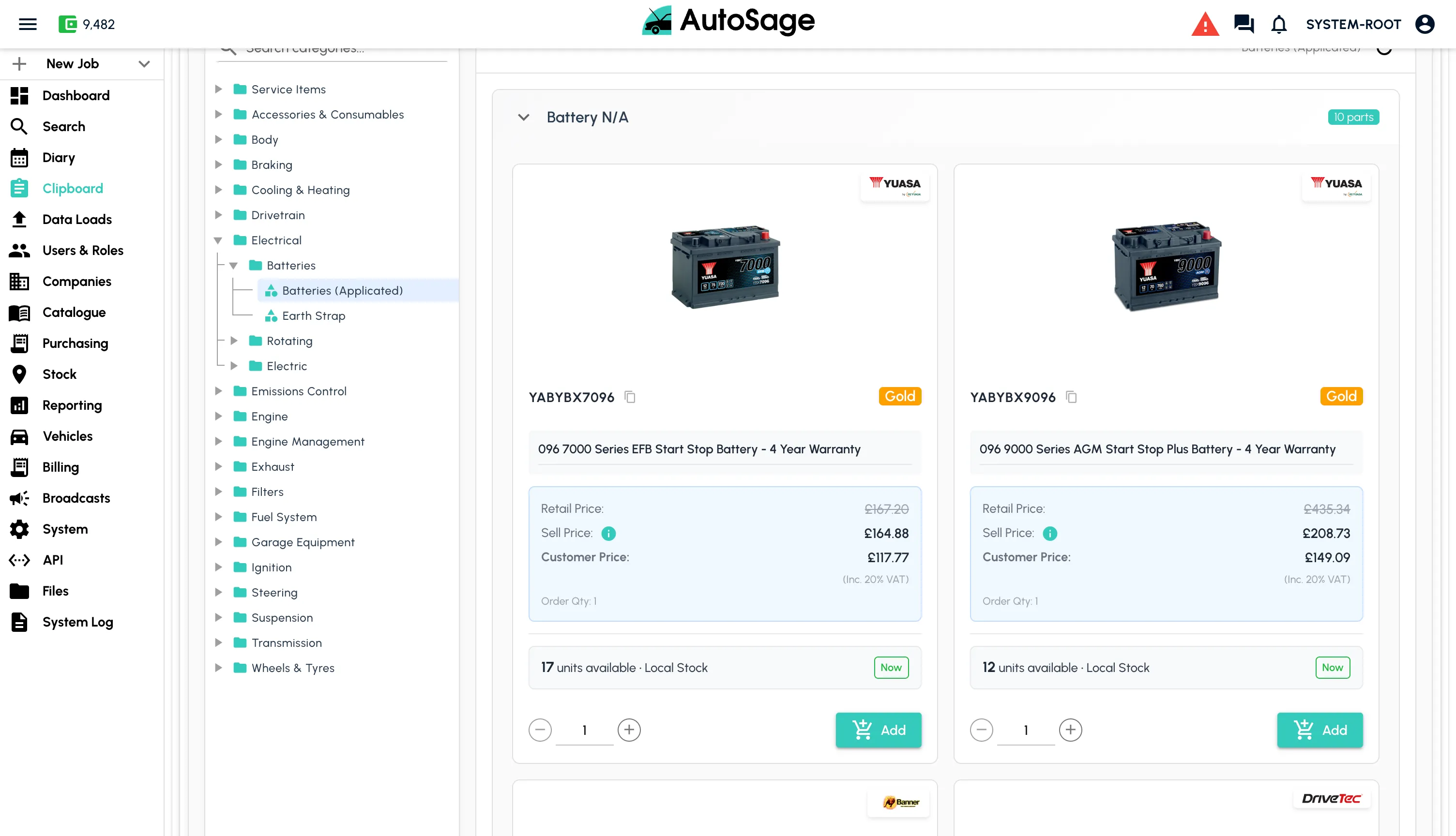
- Add tyres, parts and consumables straight from your catalogue
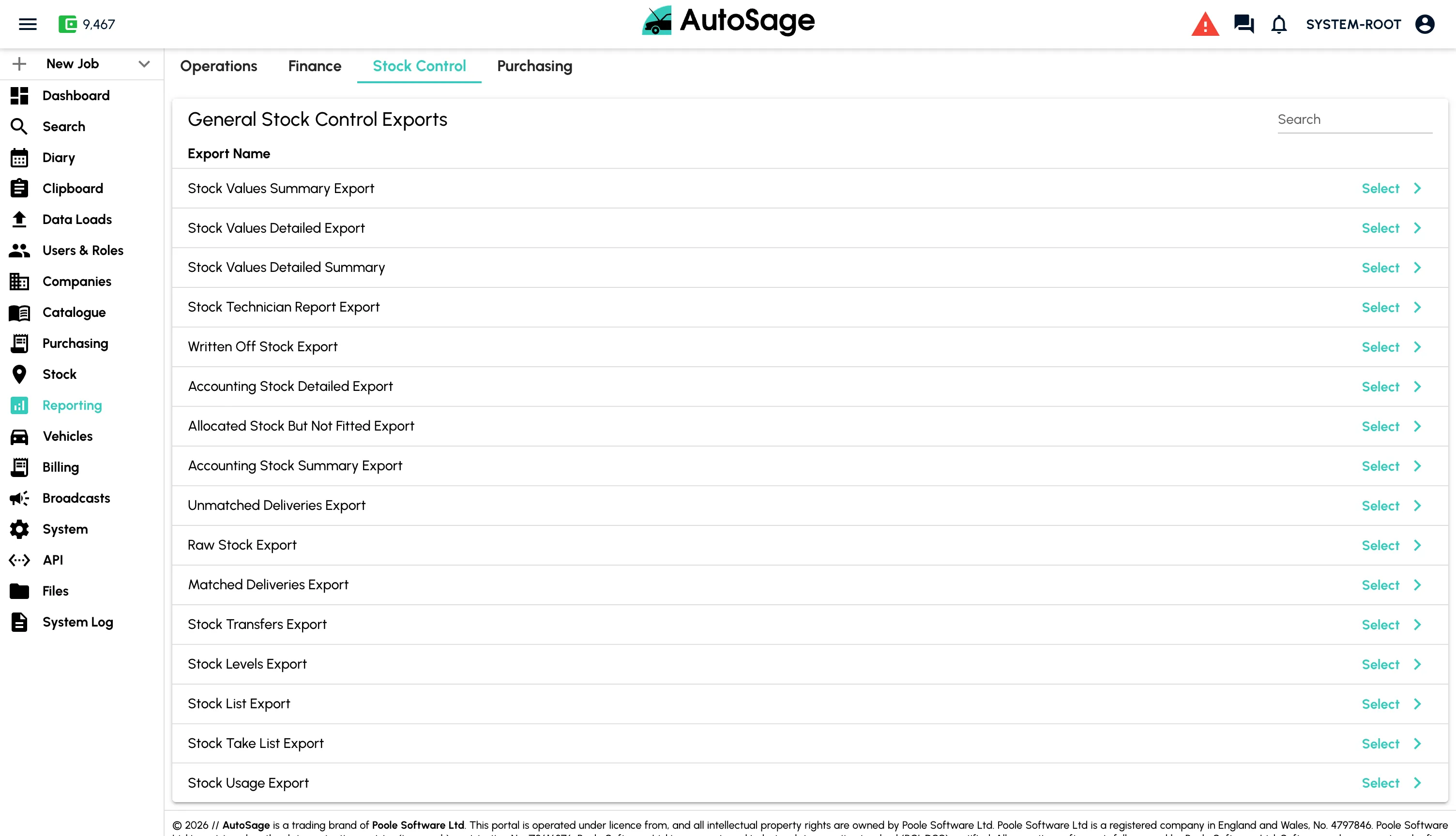
- Live stock check across branches before committing fitments
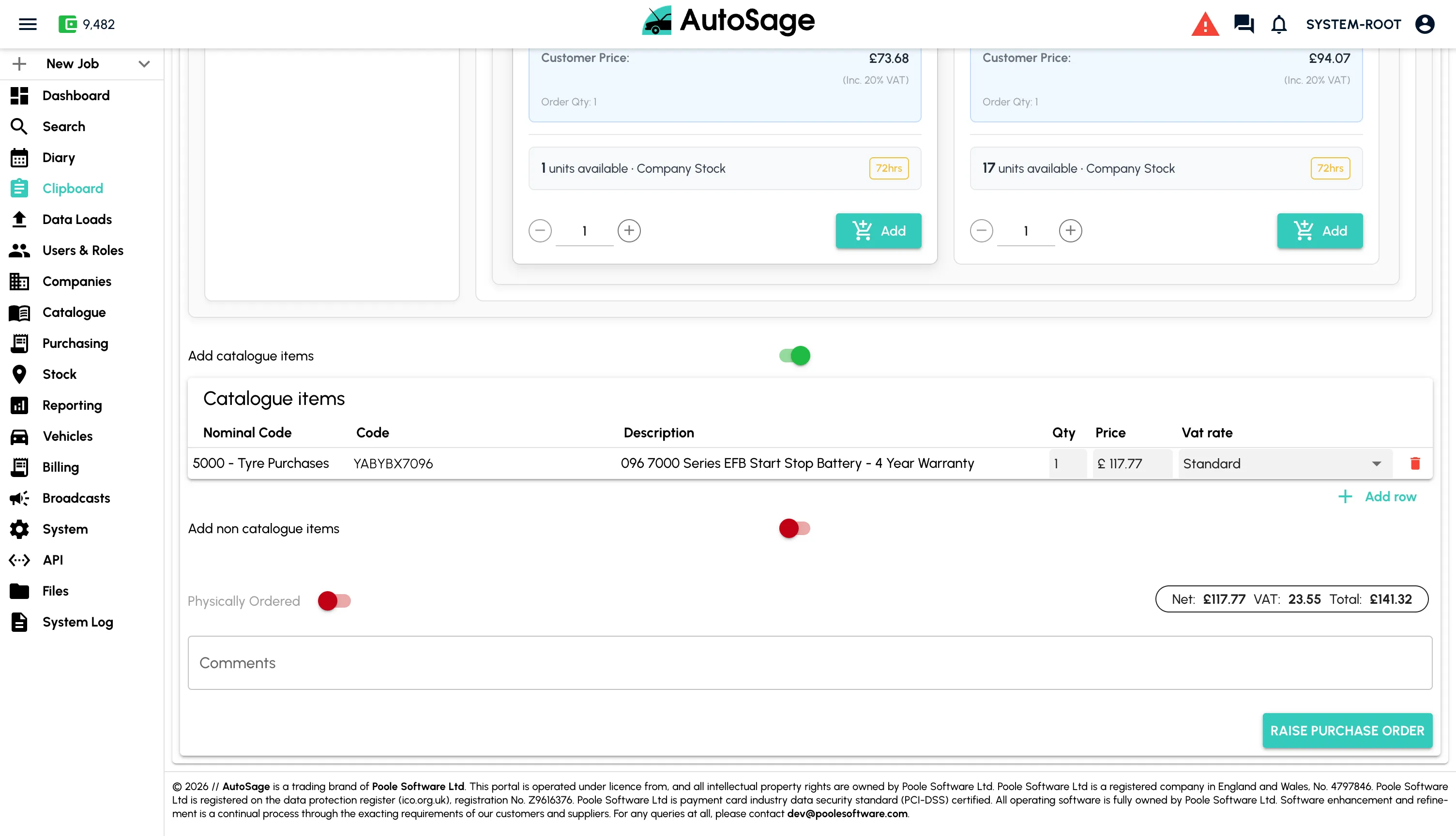
- Raise purchase orders to
 and other suppliers for missing stock without leaving the booking
- lookup pulls labour times and costs for the job
- Job-level cost rolls up automatically as parts and labour are added
Drag & Drop onto the Diary
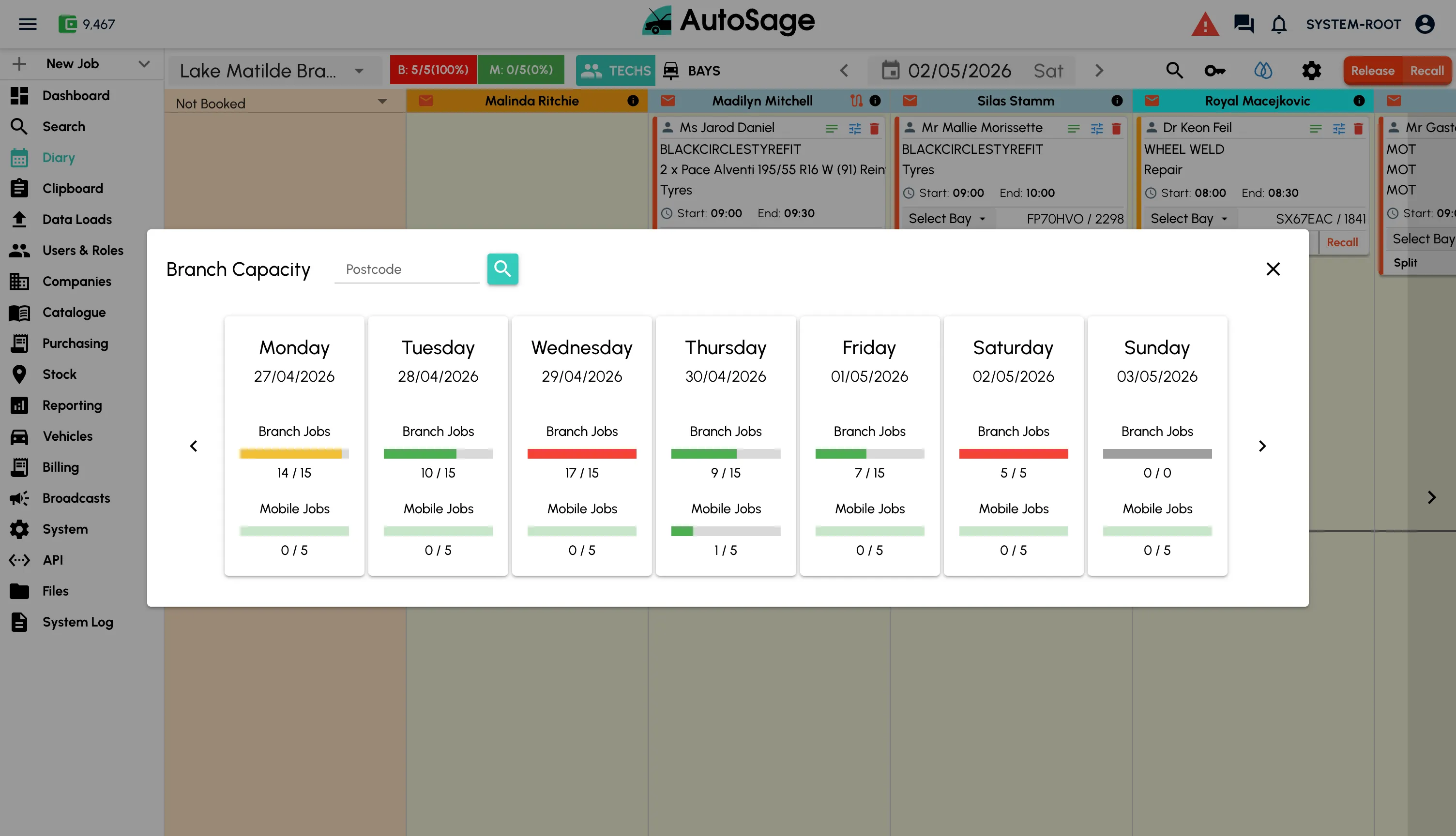
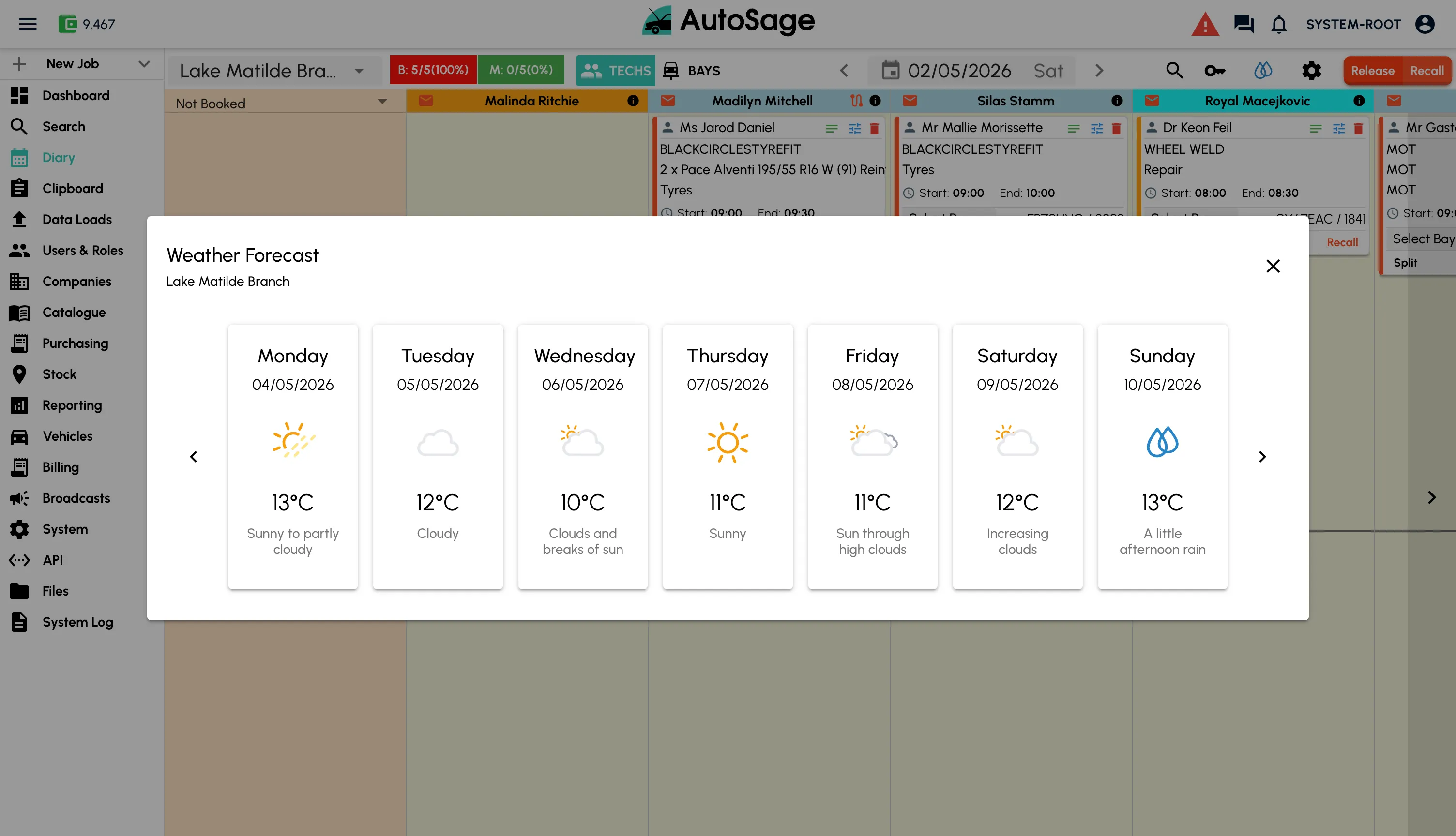
Place the job on an available technician and bay in one motion. Live capacity is visible at a glance.
- Drag the booking onto an available fitter and bay
- See branch remaining capacity for any given day
- Reassign or reschedule with the same drag motion
- Real-time updates push to the fitter's mobile app
Fitter Completes the Job on Mobile
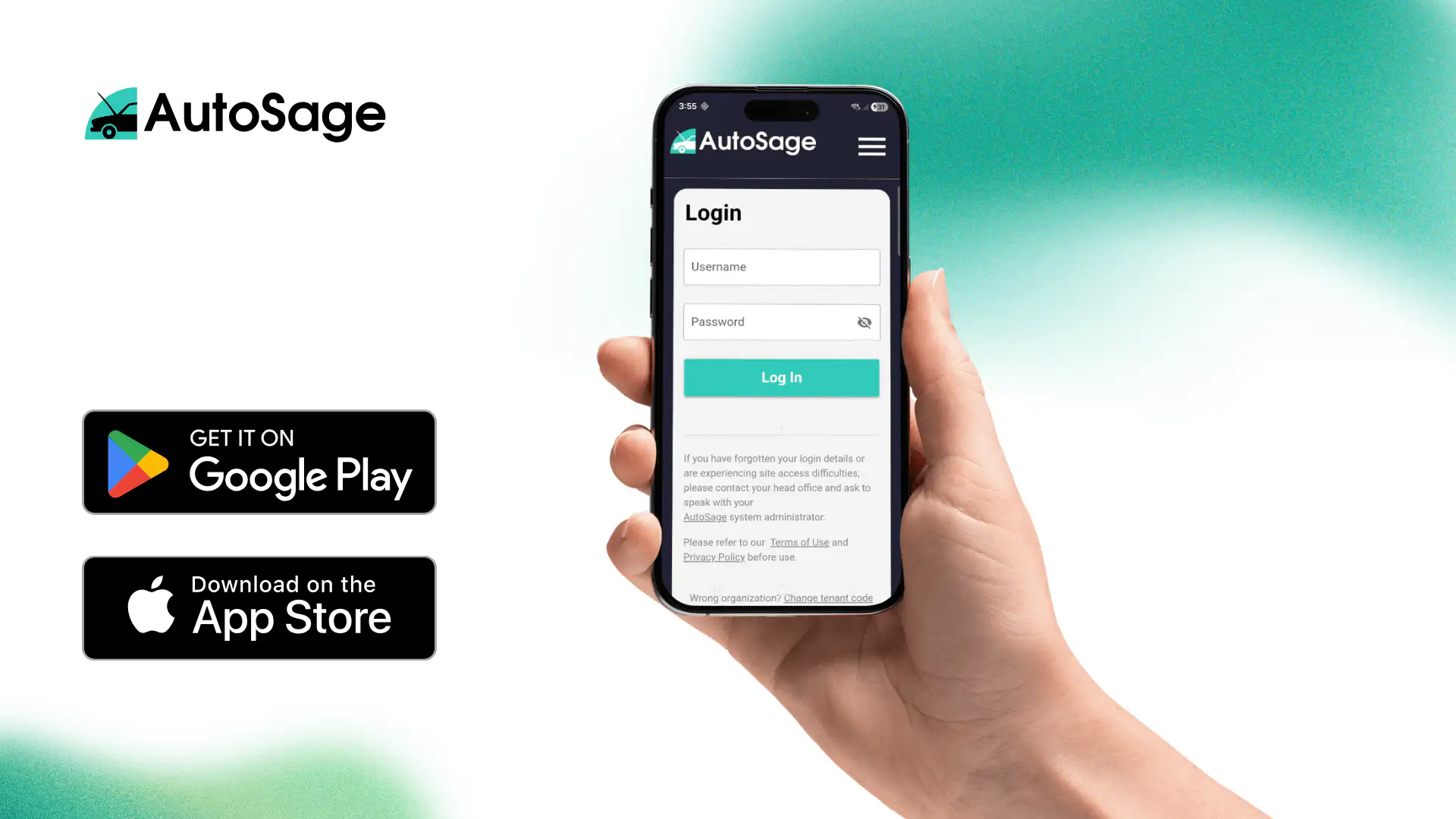
Your fitters get the day's jobs on their phone, capture sign-off and damage evidence, and stay synced with head office.
- Day's allocated jobs synced live to the fitter
- Customer signature capture on the device for sign-off
- Photo and video capture for damage inspection evidence
- Live messaging back to head office throughout the job
- Offline-tolerant capture, syncs when back in signal
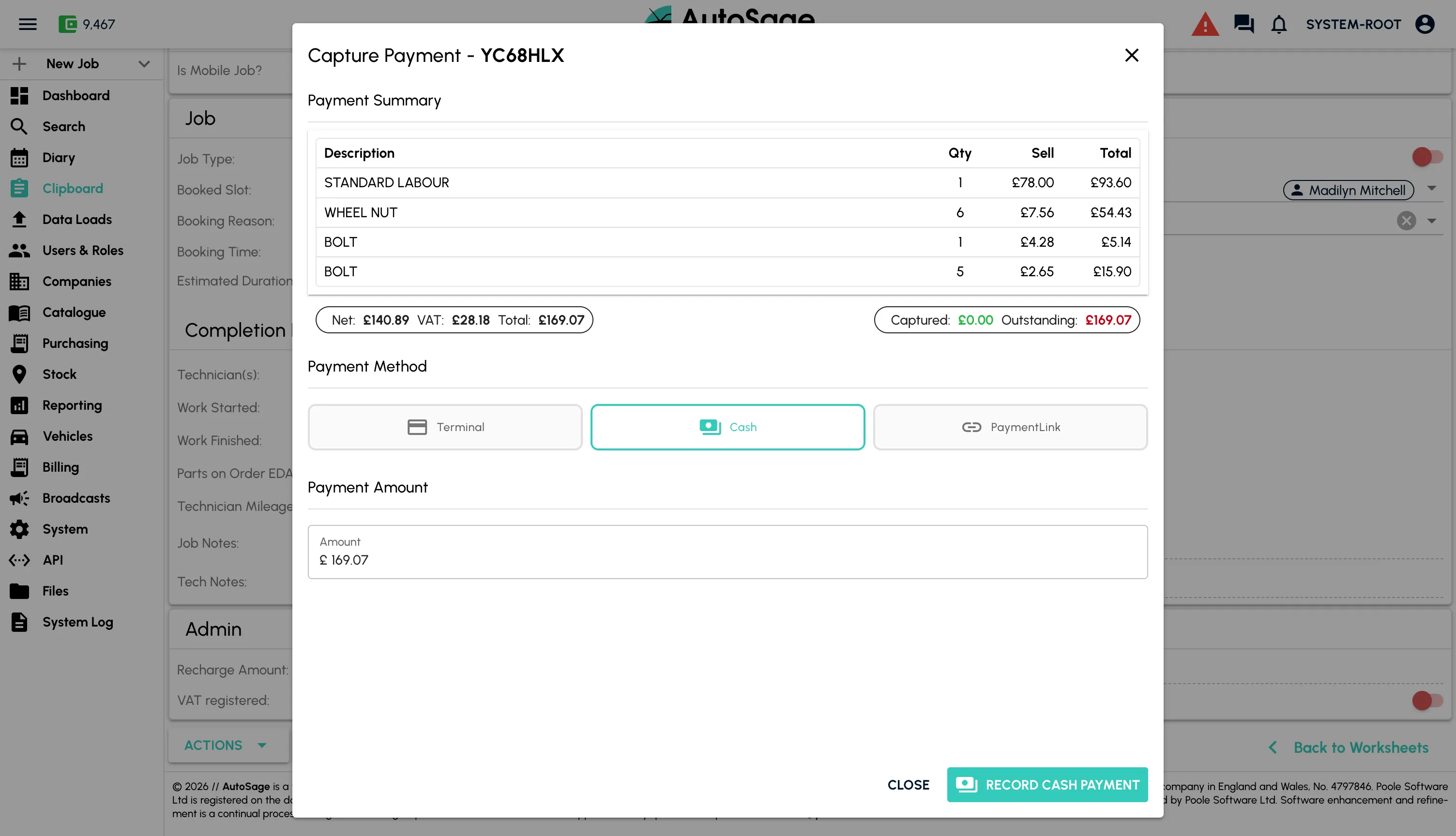
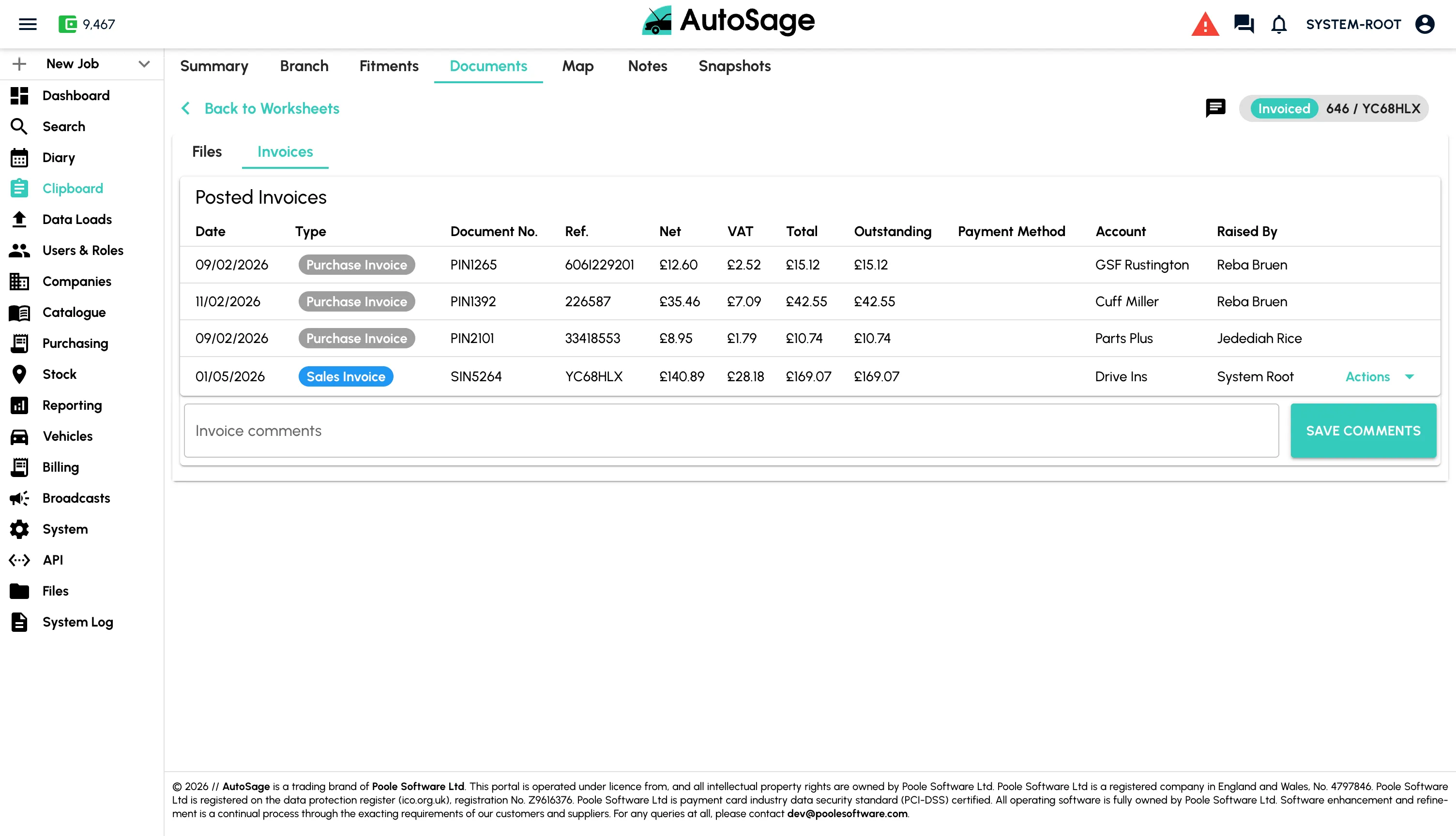
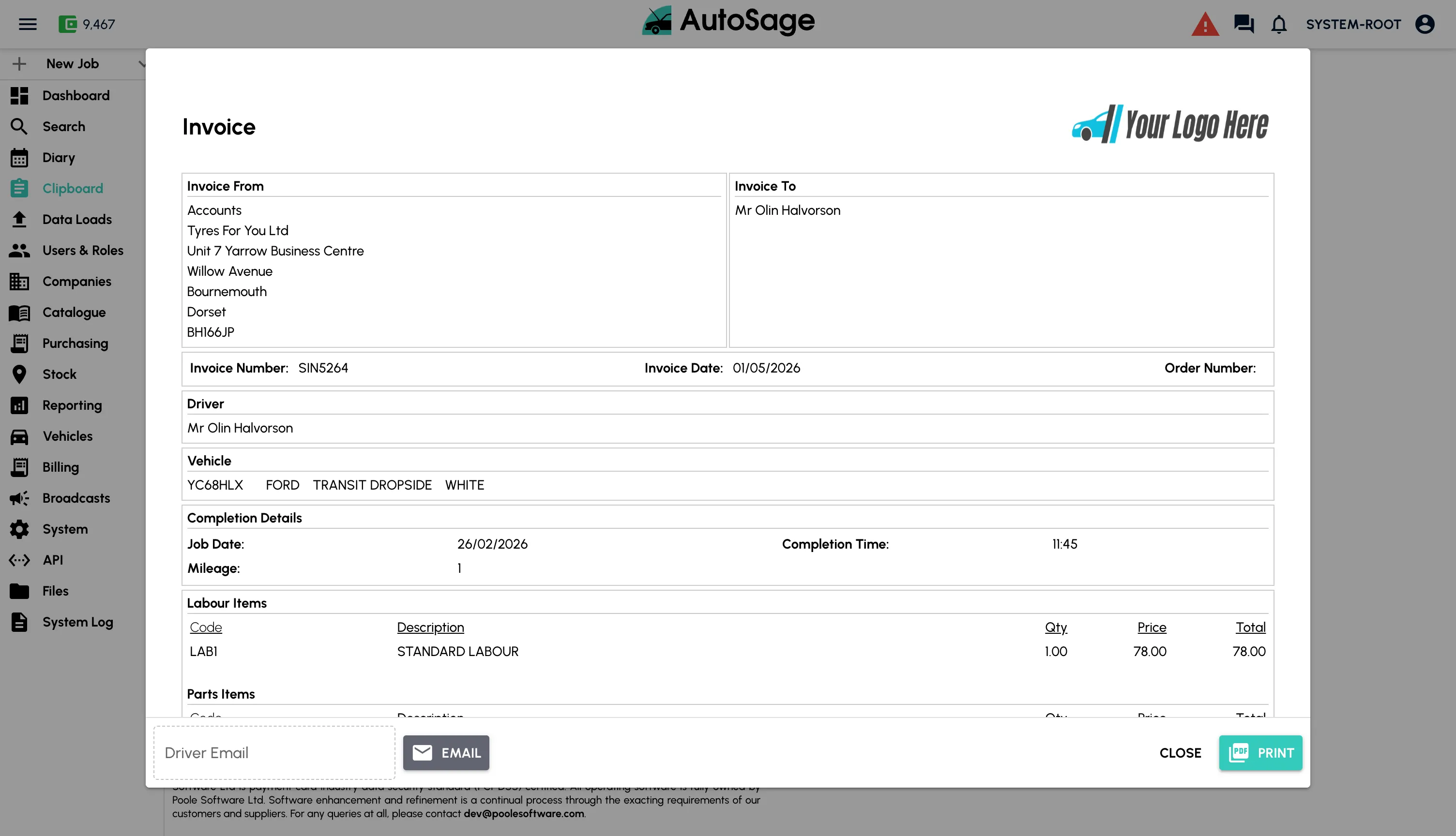
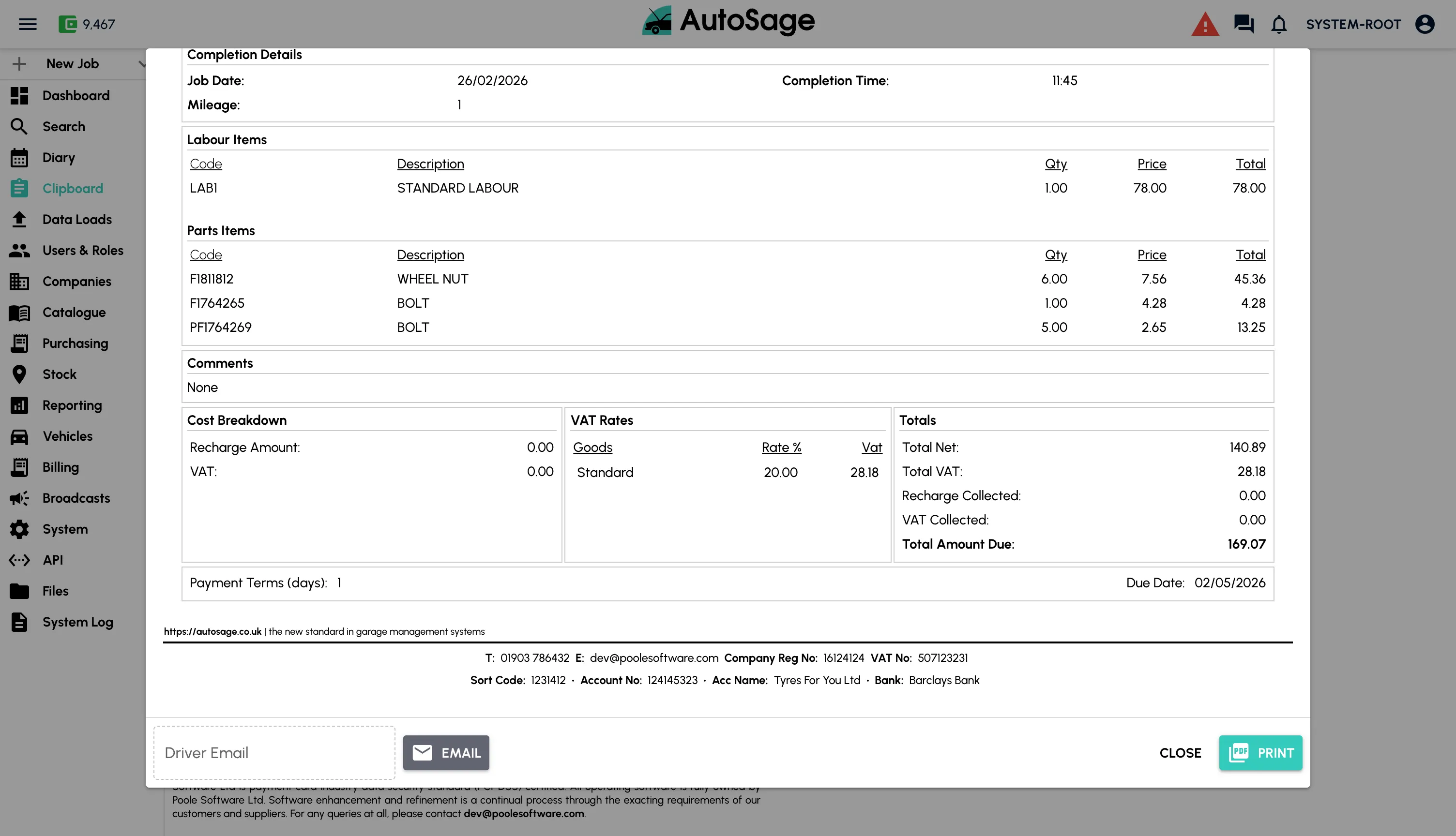
Invoice & Take Payment
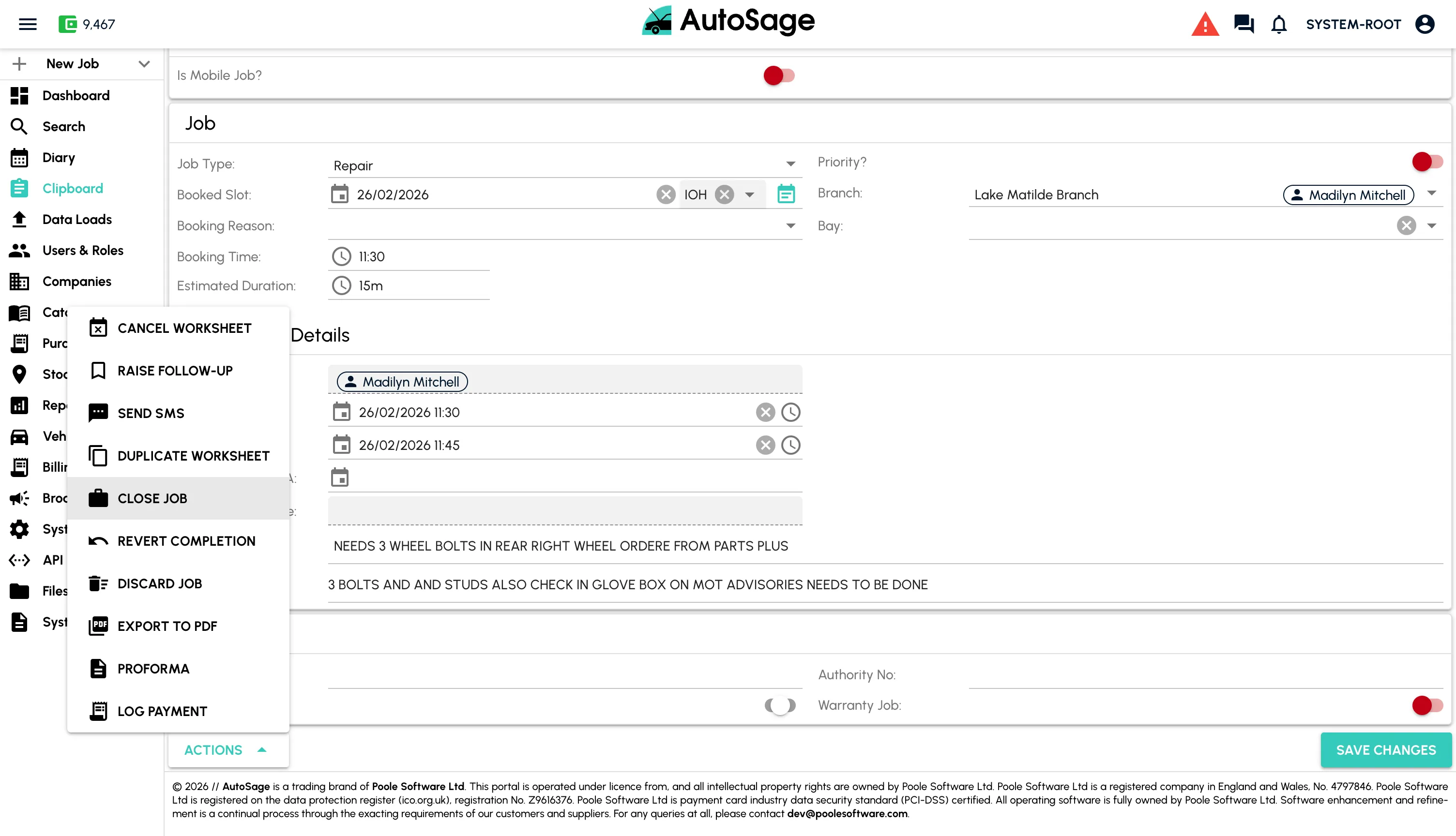
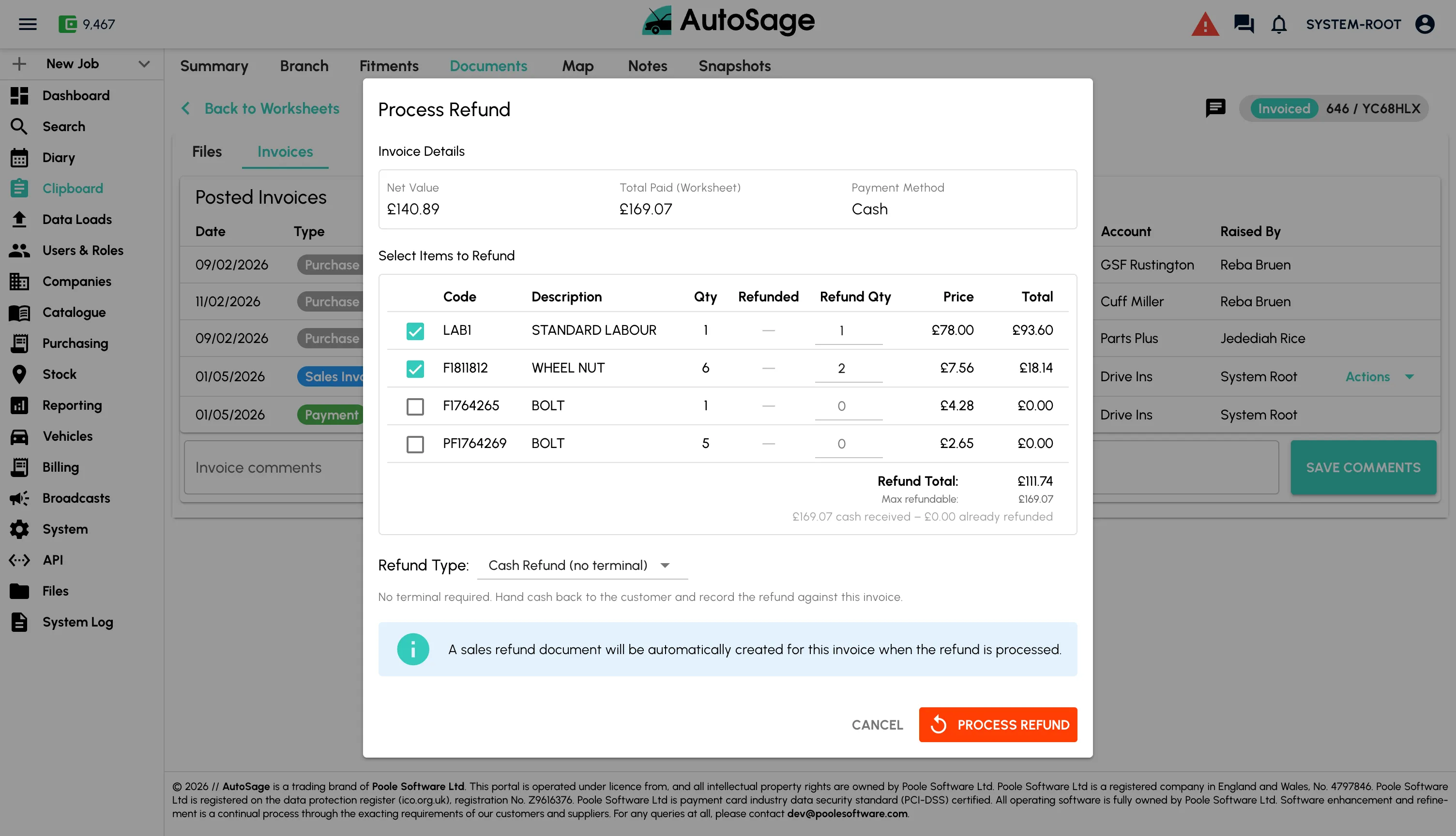
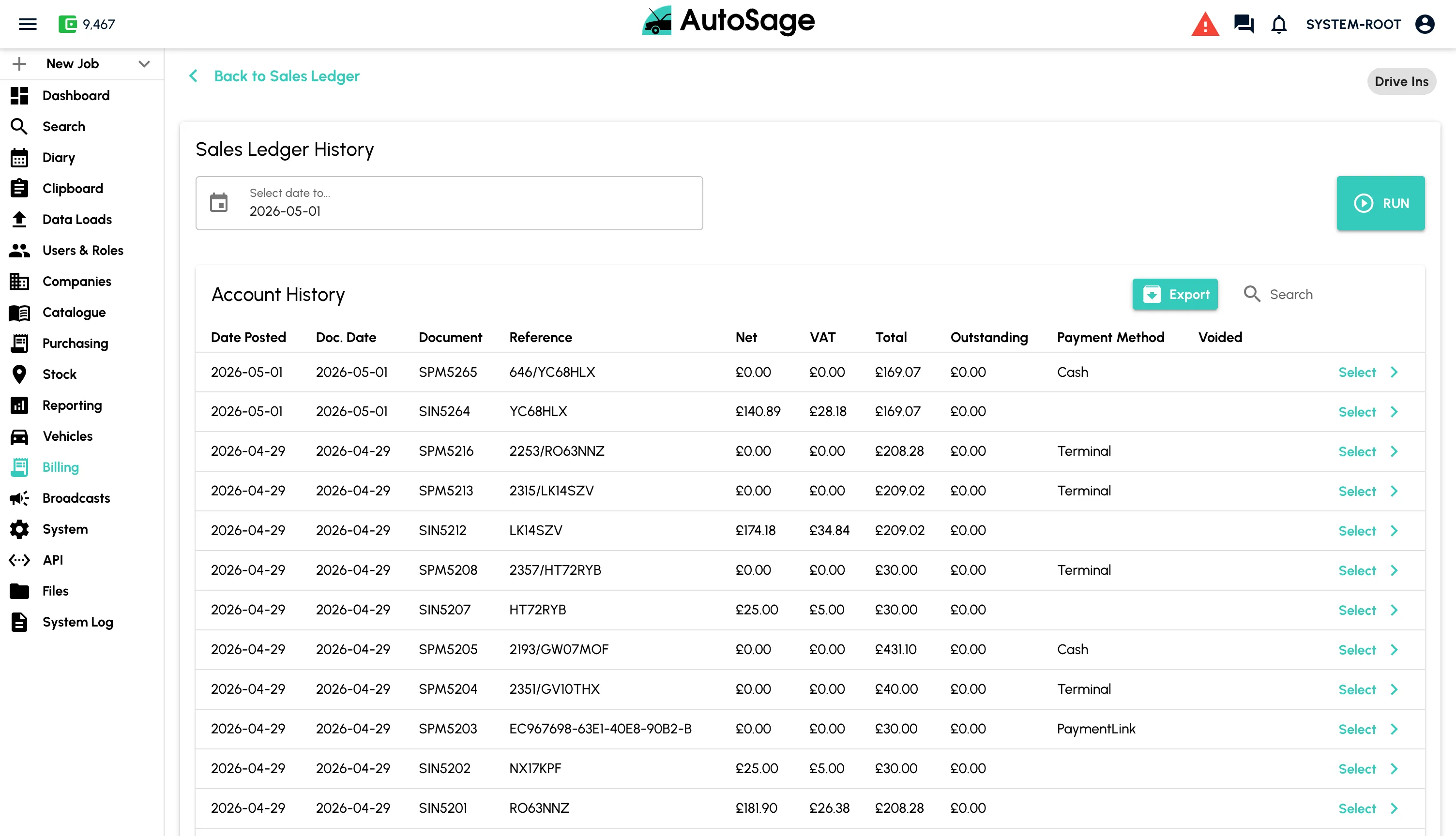
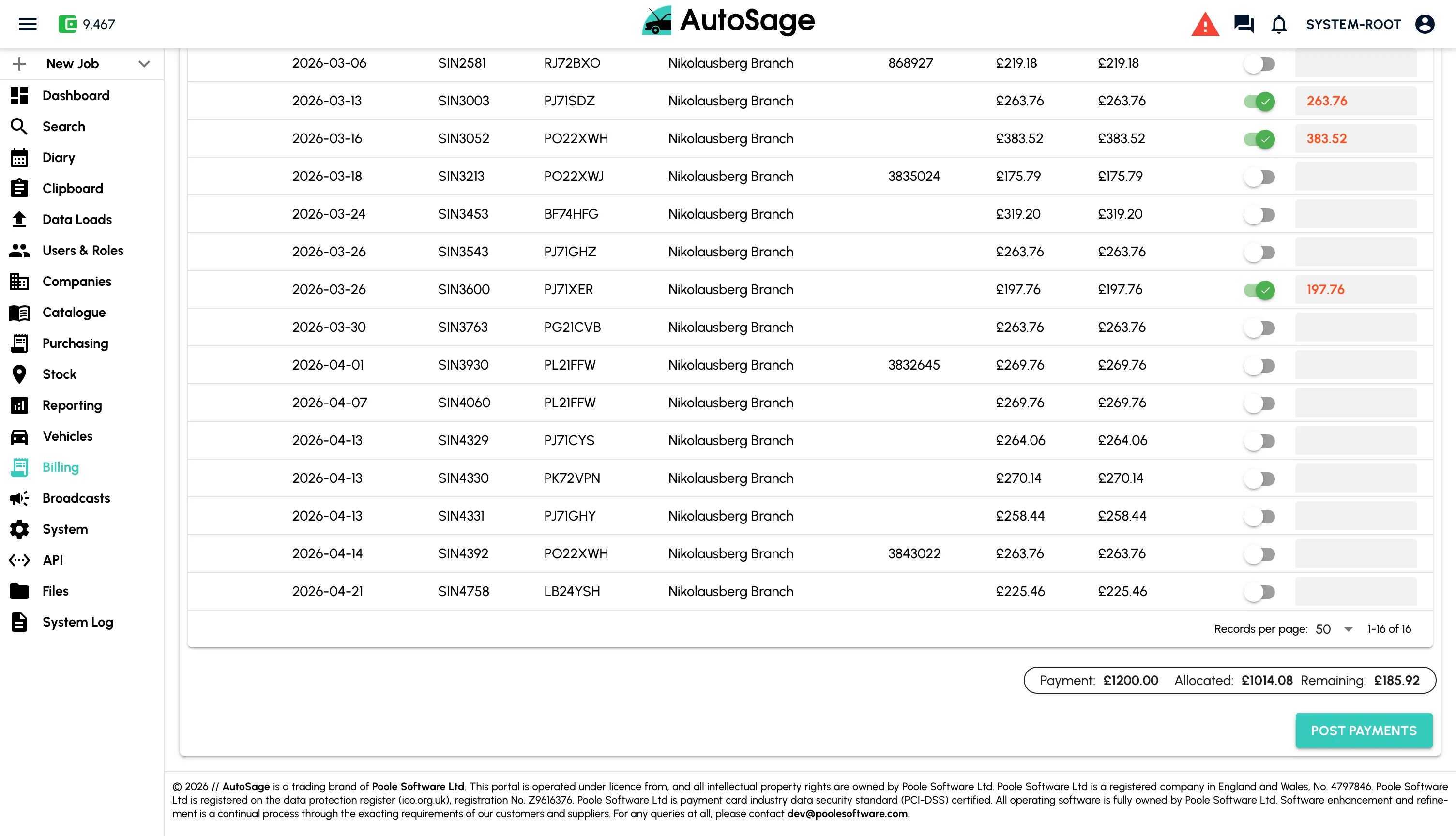
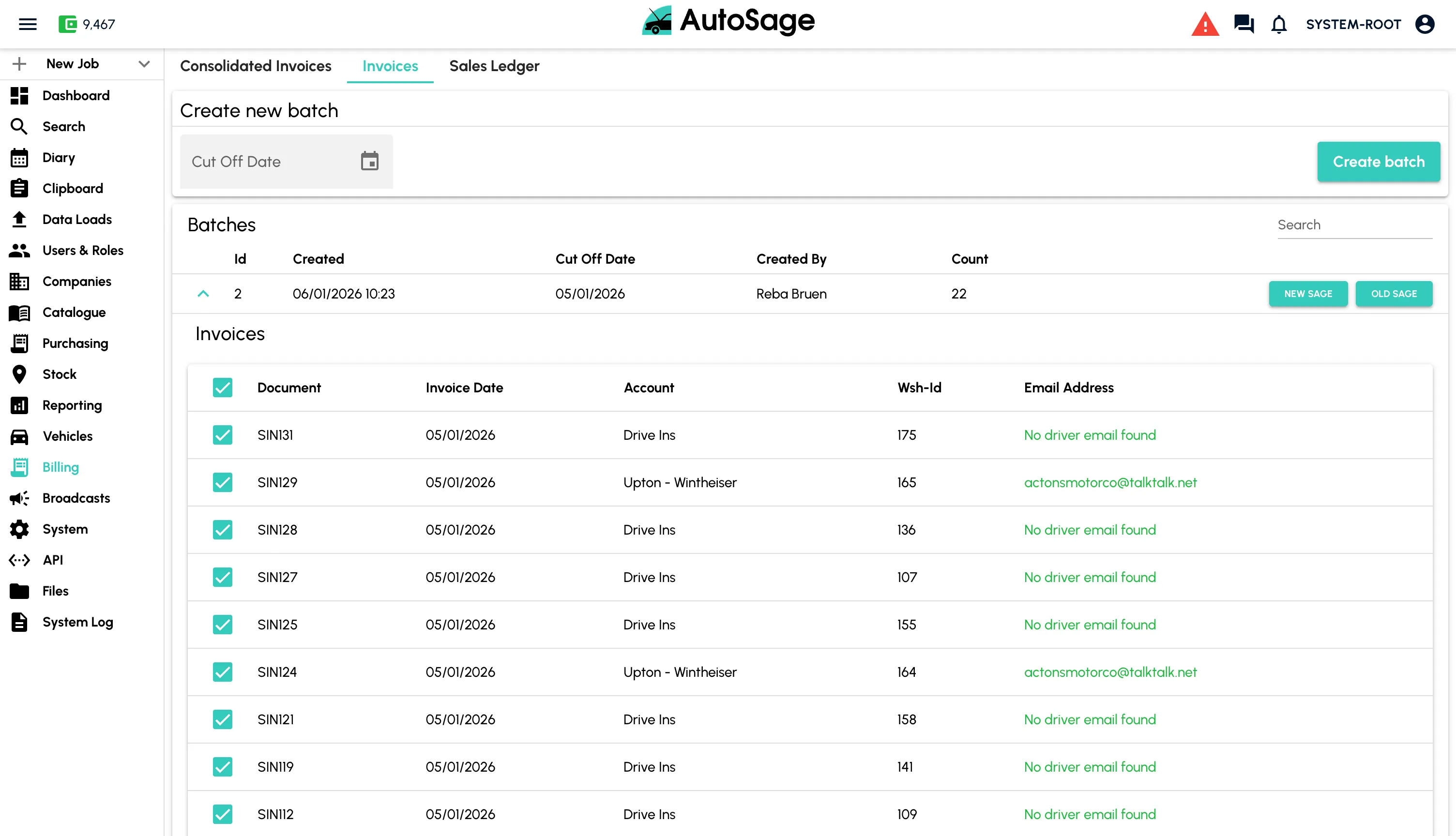
Convert the completed job into an invoice, take payment any way the customer wants, and post straight into your accounts.
- Invoice generated automatically from the completed job
- Dojo integration to take card payments at the terminal
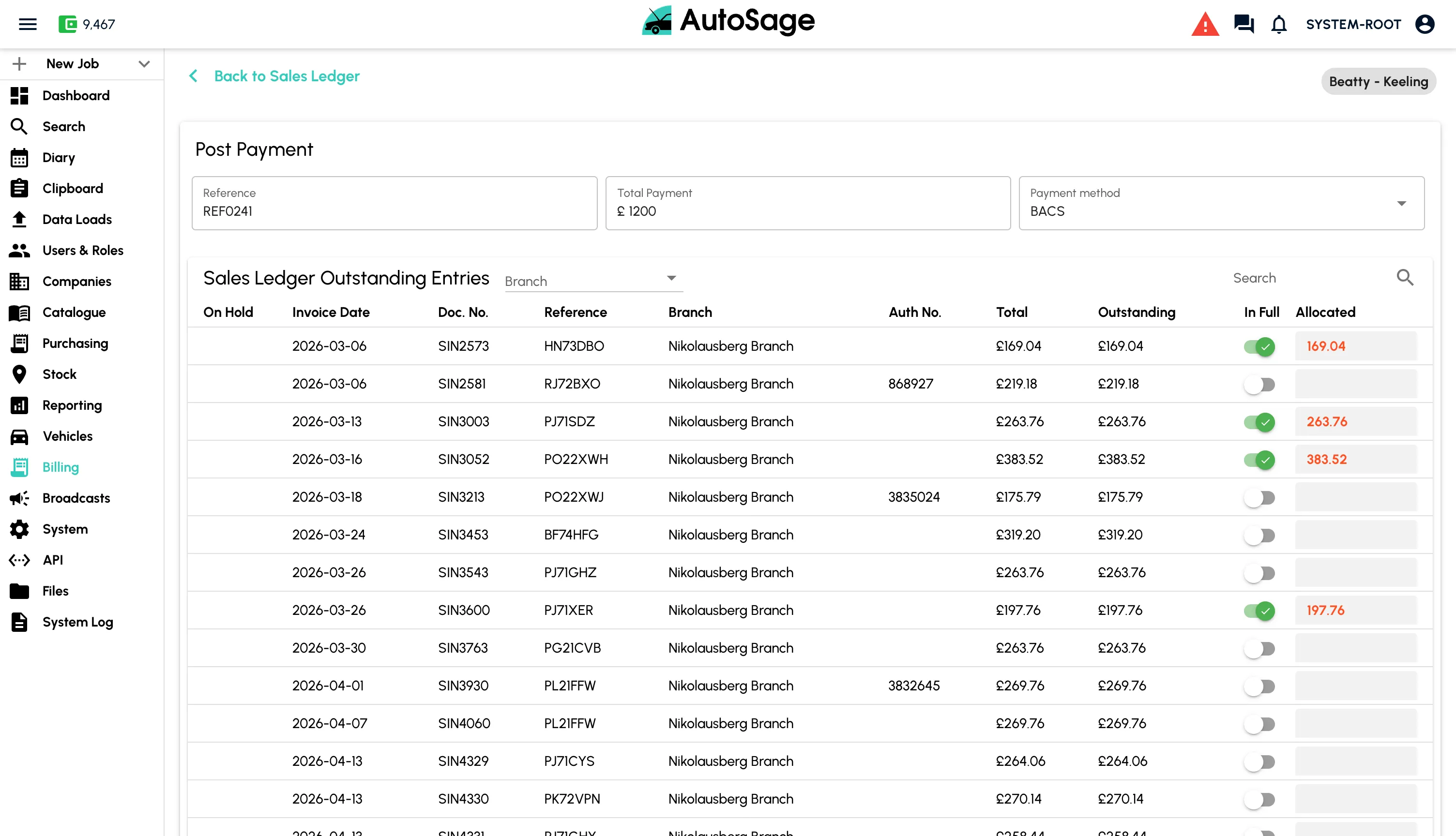
- Accept cash, BACS, or send a payment link by email or SMS
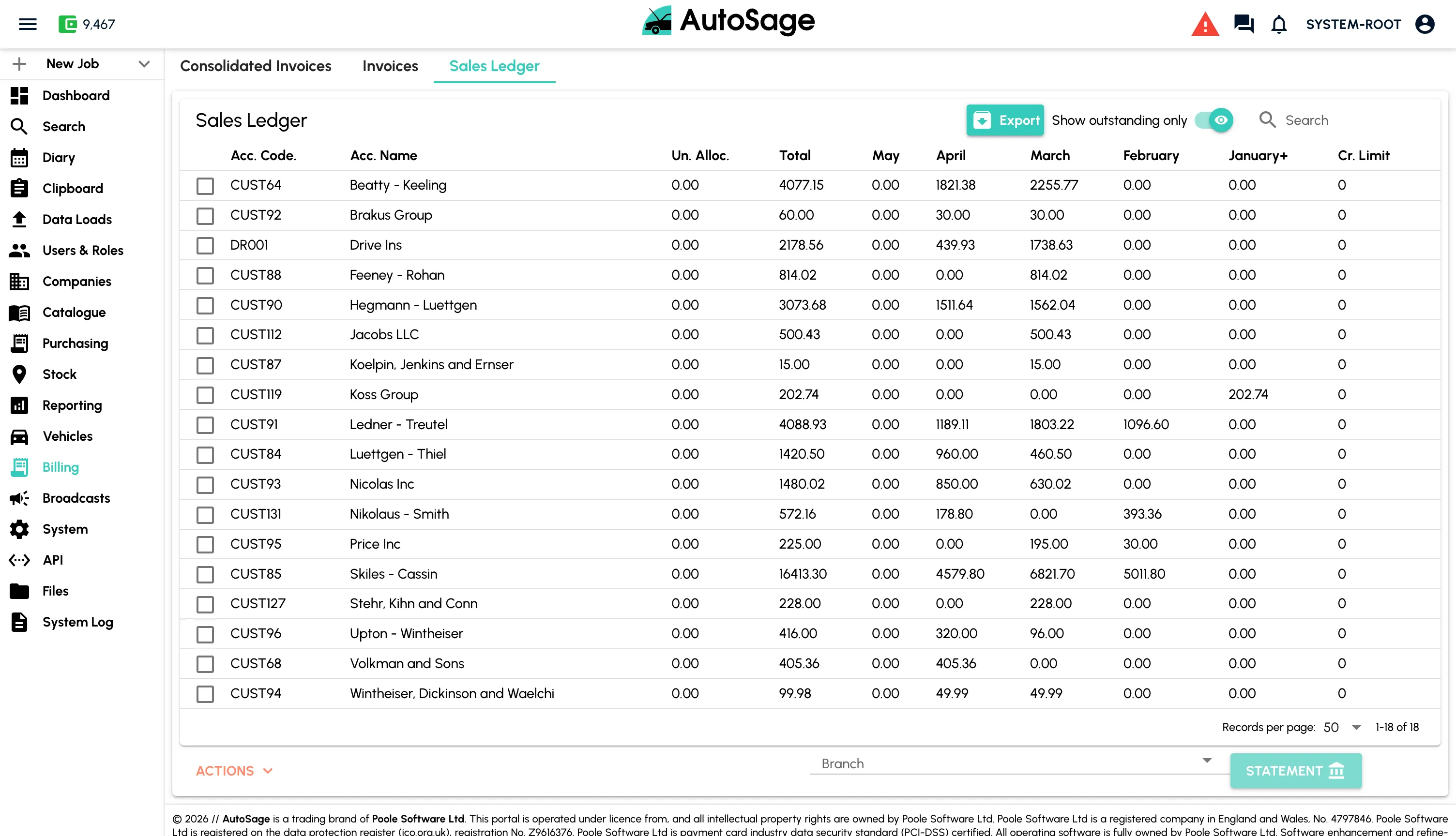
- Consolidated billing for trade and fleet customers
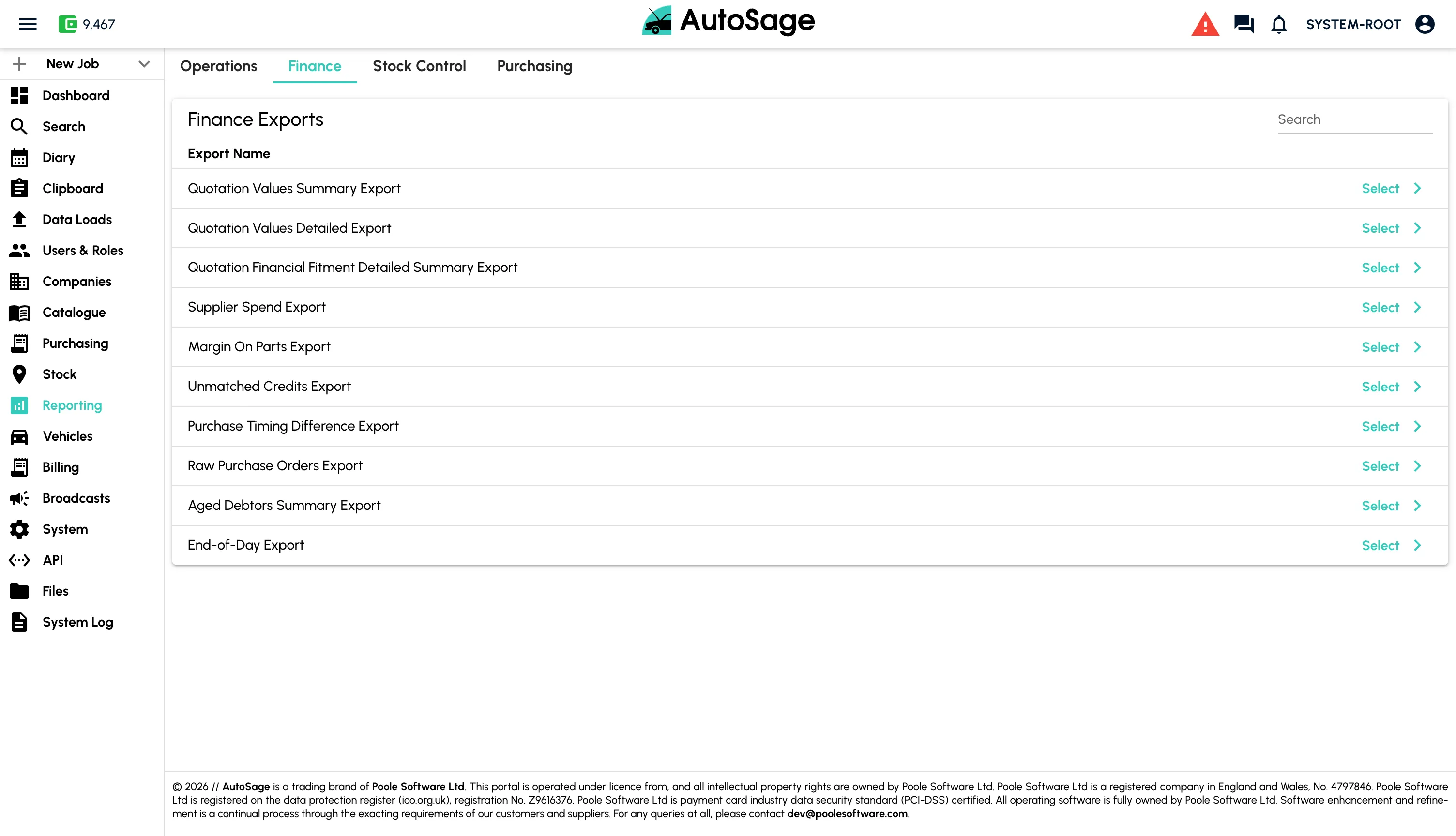
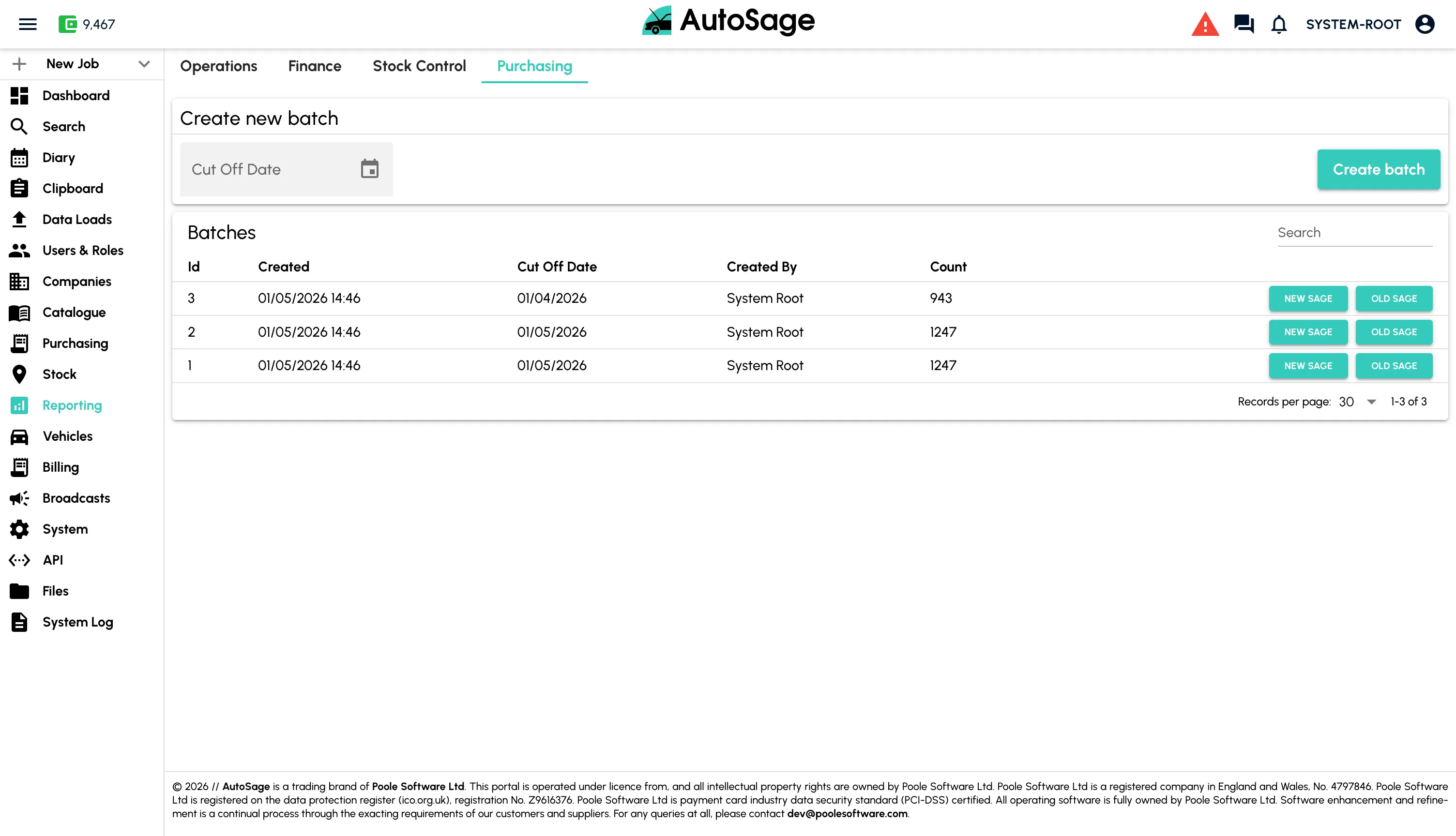
- File-based export to Sage, Xero and other accounting packages
Reporting & Insights
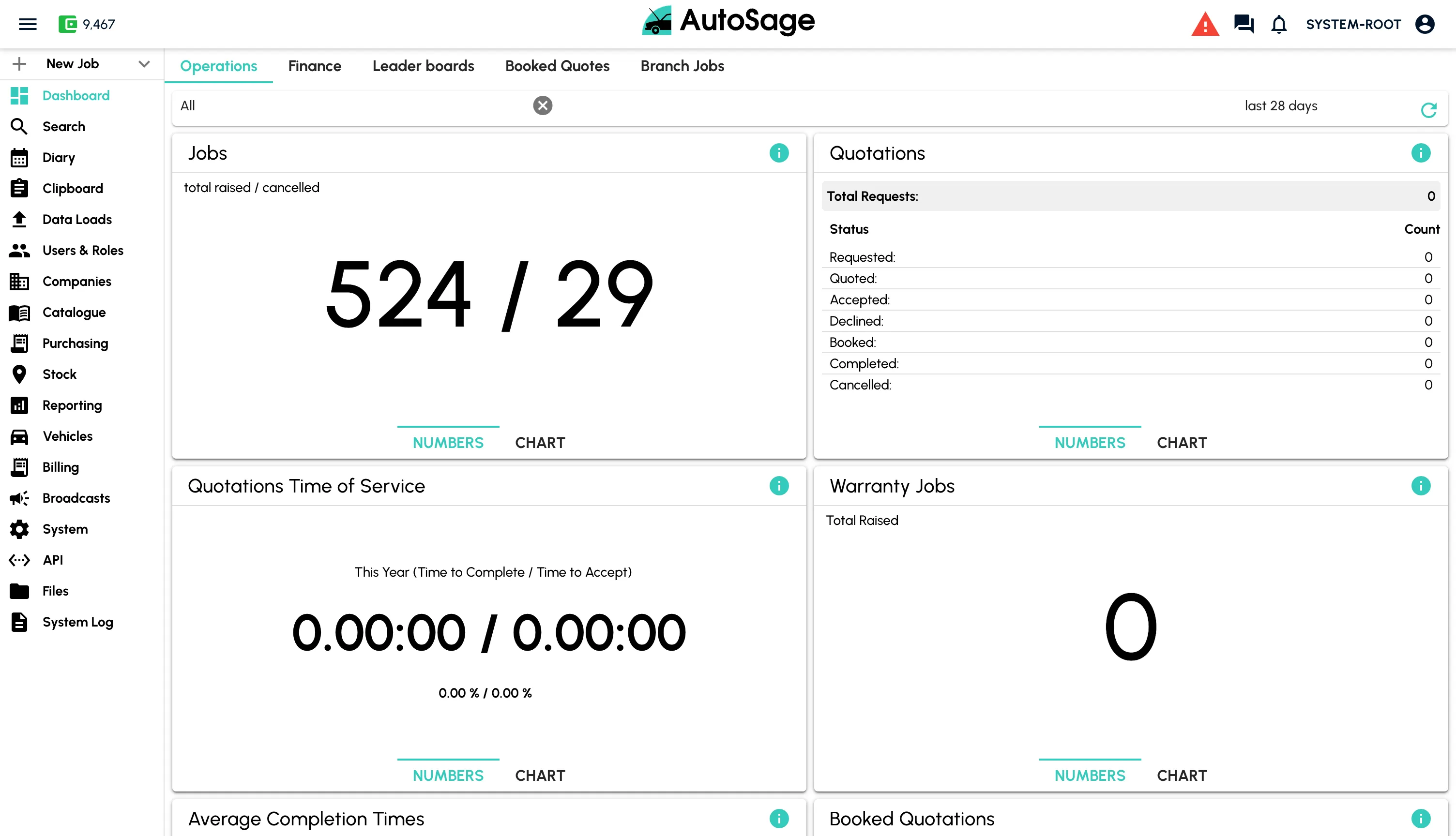
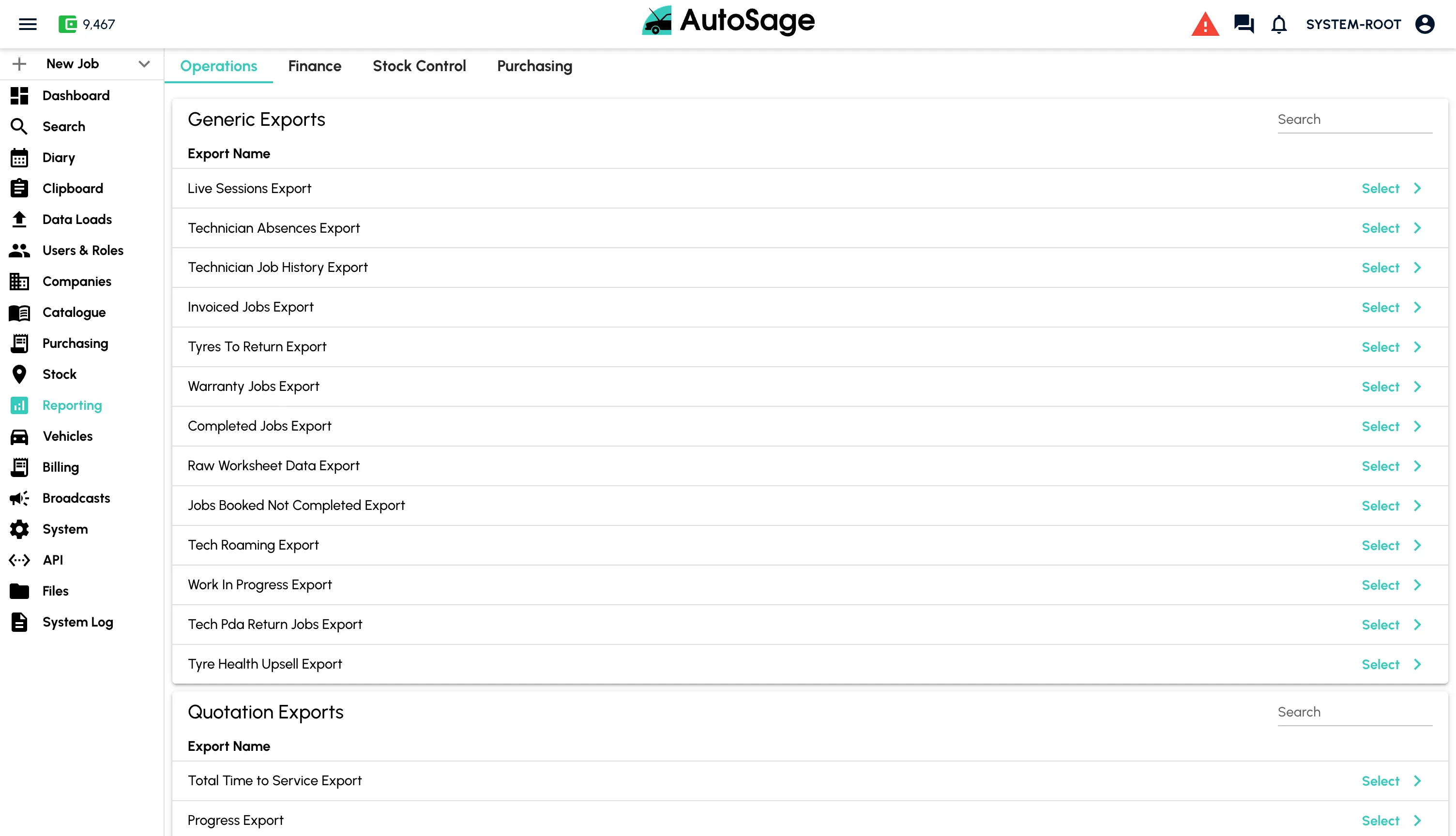
Once the job is done, the data is yours. Track every metric that matters across branches, technicians and customers.
- Real-time KPI dashboards for revenue, throughput and margin
- Technician utilisation and productivity by branch
- Stock valuation, shrinkage and aged debt reports
- Excel export and custom report builder
- Schedule reports to land in the inbox automatically

We are a very busy two branch network of garages providing tyres and auto-care services. The team at AutoSage have made it very easy for us to switch from our previous system and supported us every step of the way. Now with the new system being more modern, faster and easier to use, we are able to get more done and train new staff quicker. The technician mobile app that AutoSage comes with is excellent for taking pictures, customer signatures and do electronic vehicle health checks. We find it much easier to track stock, allocate jobs to technicians, and quickly book-in new jobs. The system provides all the features we need and more. We are quite happy with AutoSage and would definitely recommend it.
Want a demo?
Get in touch with our team to see how AutoSage can streamline your operations.
Book a demo